
Author: Nattell
-
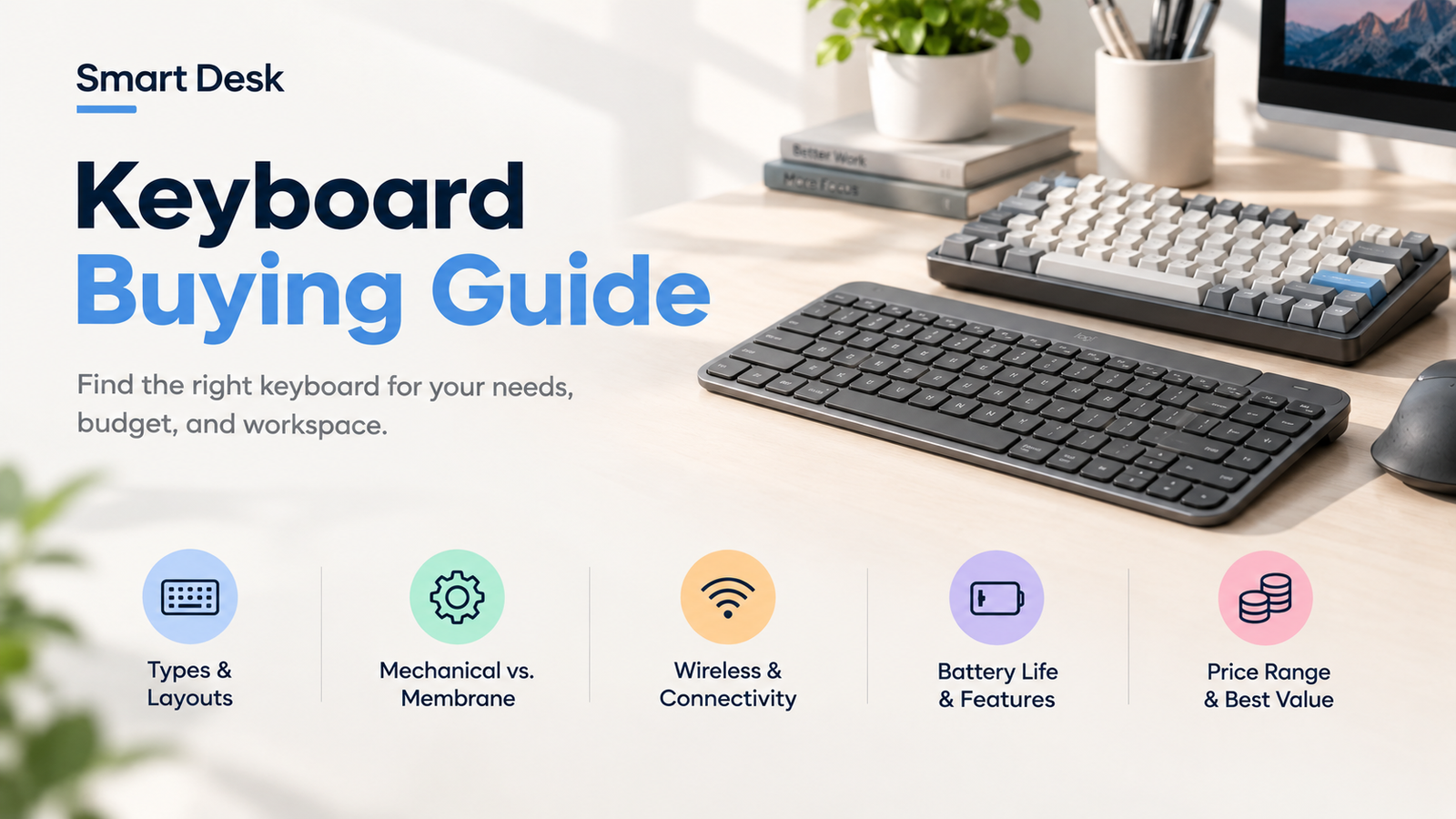
How to Choose a Keyboard: A Practical Buying Guide
How to choose a keyboard is less about finding the most advanced model and more about finding the right combination of size, typing feel, connectivity, and features for your setup. Whether you need a keyboard for work, gaming, programming, or everyday use, this guide explains the key factors to consider before buying. Quick Answer Before…
-
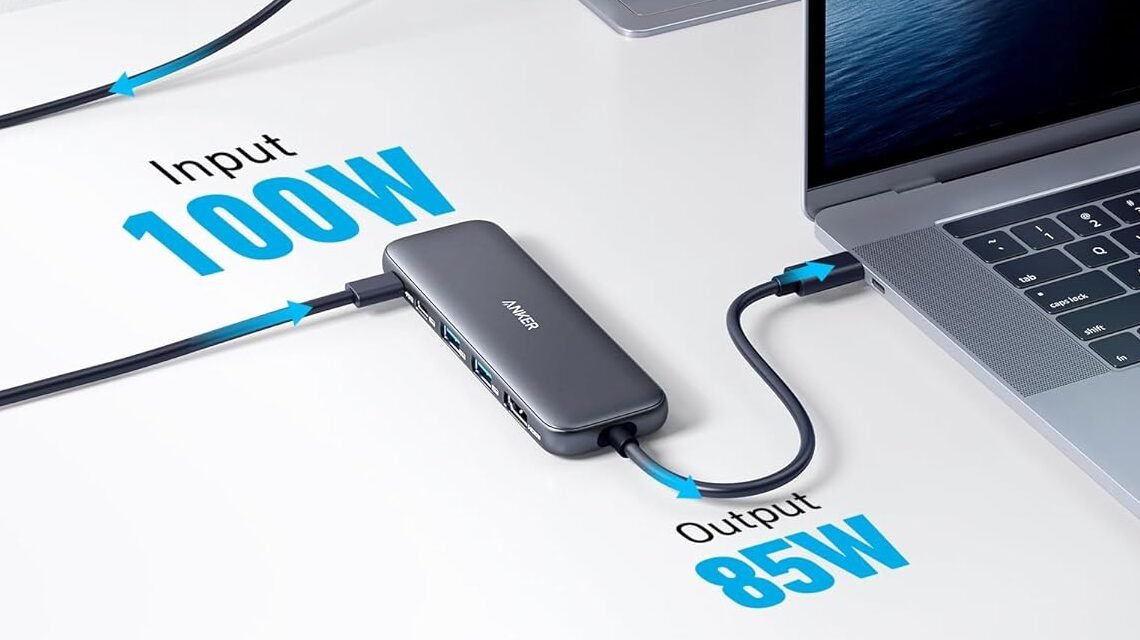
Anker 332 USB-C Hub Review
Anker 332 USB-C Hub Review: The Anker 332 USB-C Hub is a compact way to add essential ports to a USB-C laptop or tablet. It combines HDMI, USB-C, two USB-A ports, and USB-C Power Delivery in a small 78 g design. Best for: users who need a few extra connections without carrying a larger multi-port…
-

Best Wireless Mice for Work in 2026
Best wireless mice for work vary widely depending on how and where you use them. Five research-based picks for different work styles, from portable setups to productivity-focused desks. Pebble 2 M350s Portable MX Master 3S Productivity MX Anywhere 3S Travel Lift Ergonomic Microsoft Surface Precision Windows-focused Research-based guide: Smart Desk has not independently hands-on tested…
-
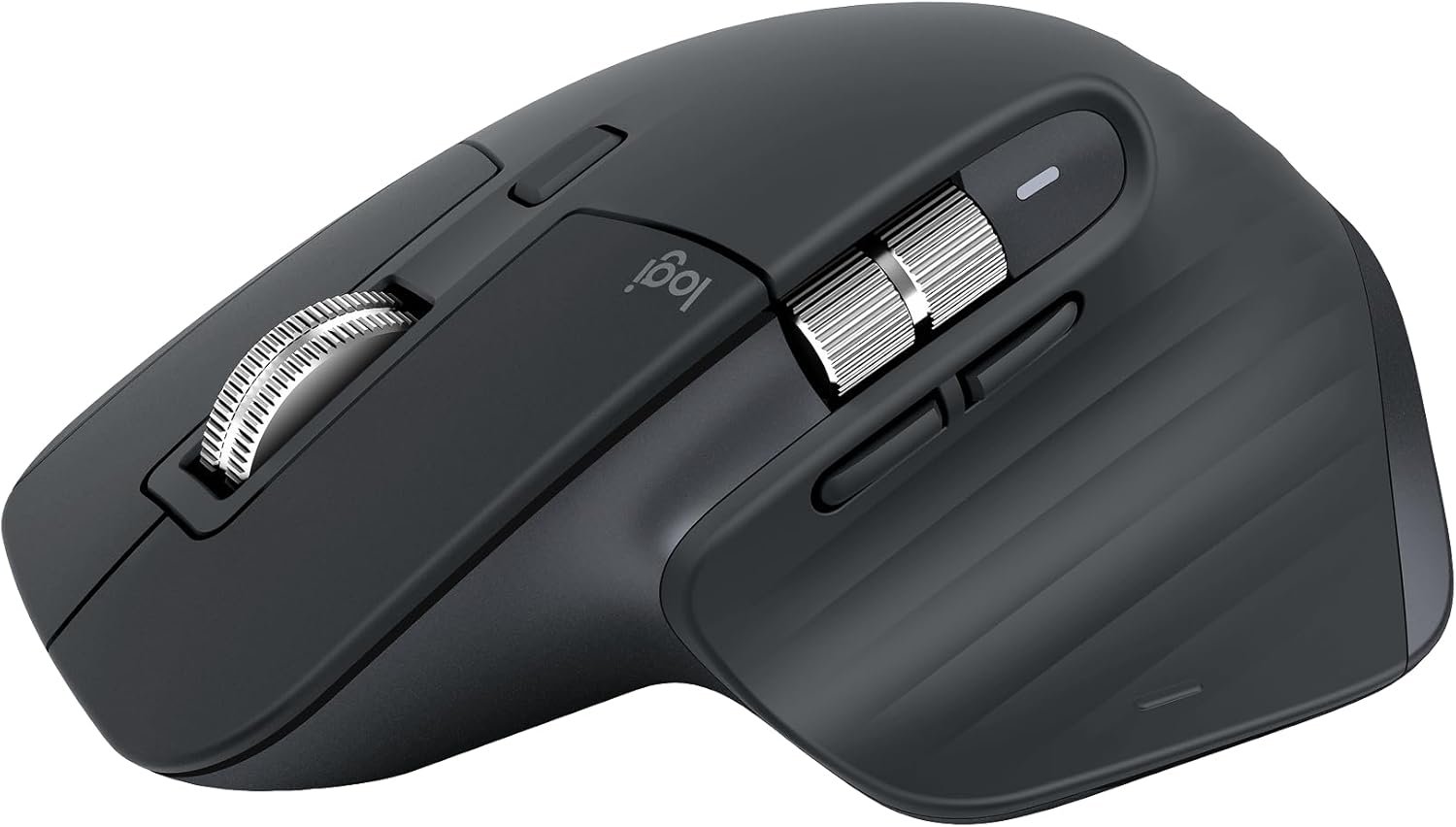
Logitech MX Master 3S Review: A Productivity Mouse for Serious Desk Work
Logitech MX Master 3S review: The MX Master 3S is a productivity-focused wireless mouse designed for desk-based work, with advanced scrolling, customizable controls, multi-device support, and 8,000 DPI tracking. Best for: Productivity-focused desk setups and multi-device workflows. Research note: Smart Desk has not independently hands-on tested this product. This review is based on Logitech’s published…
-
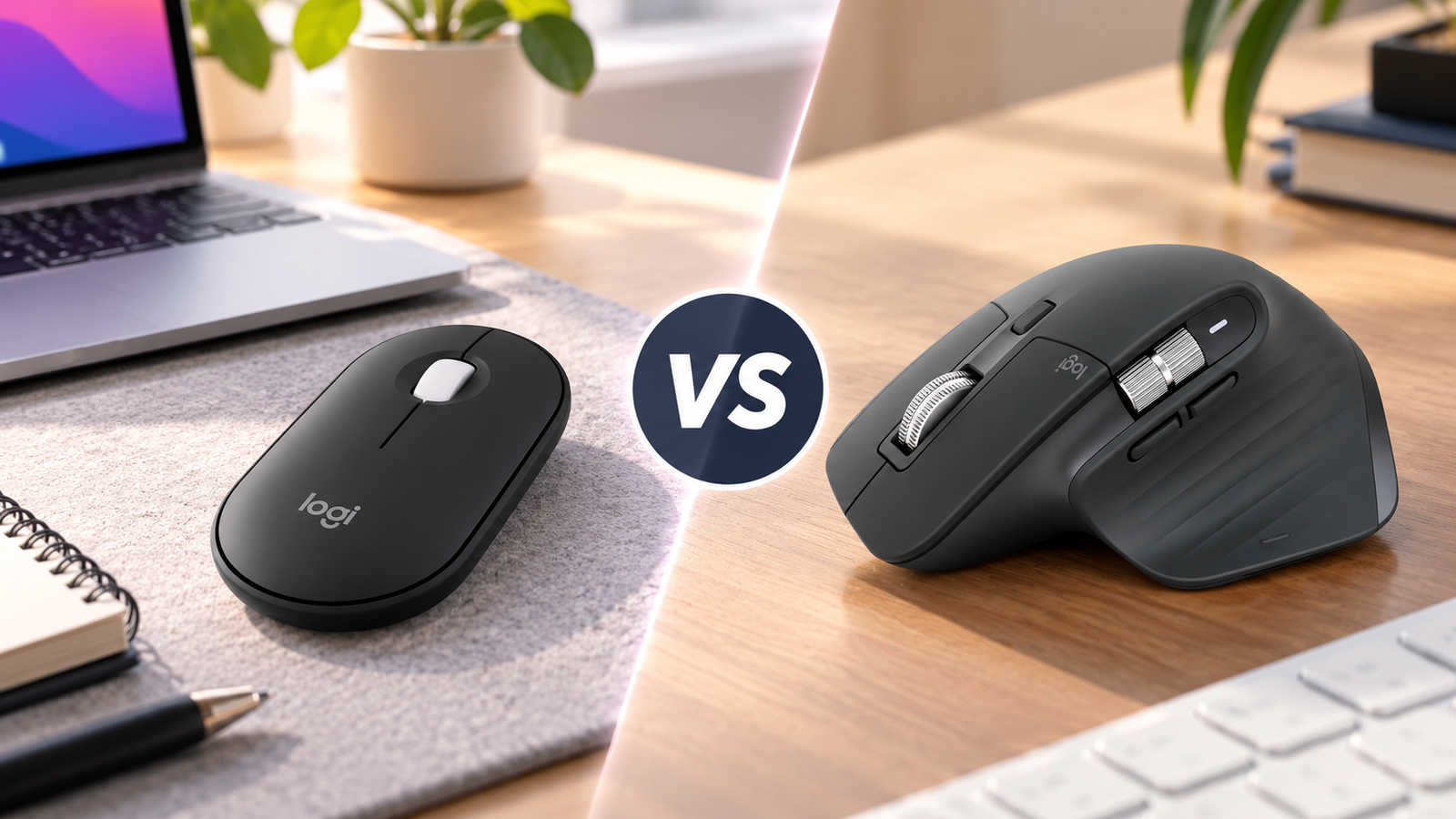
Logitech Pebble 2 M350s vs MX Master 3S: Which Mouse Should You Buy?
Logitech Pebble 2 M350s vs MX Master 3S is a comparison between two Logitech wireless mice designed for very different work styles. The Pebble 2 M350s focuses on portability, simplicity, and quiet everyday use, while the MX Master 3S is built around comfort, customization, and productivity features. If you want a compact mouse for a…
-
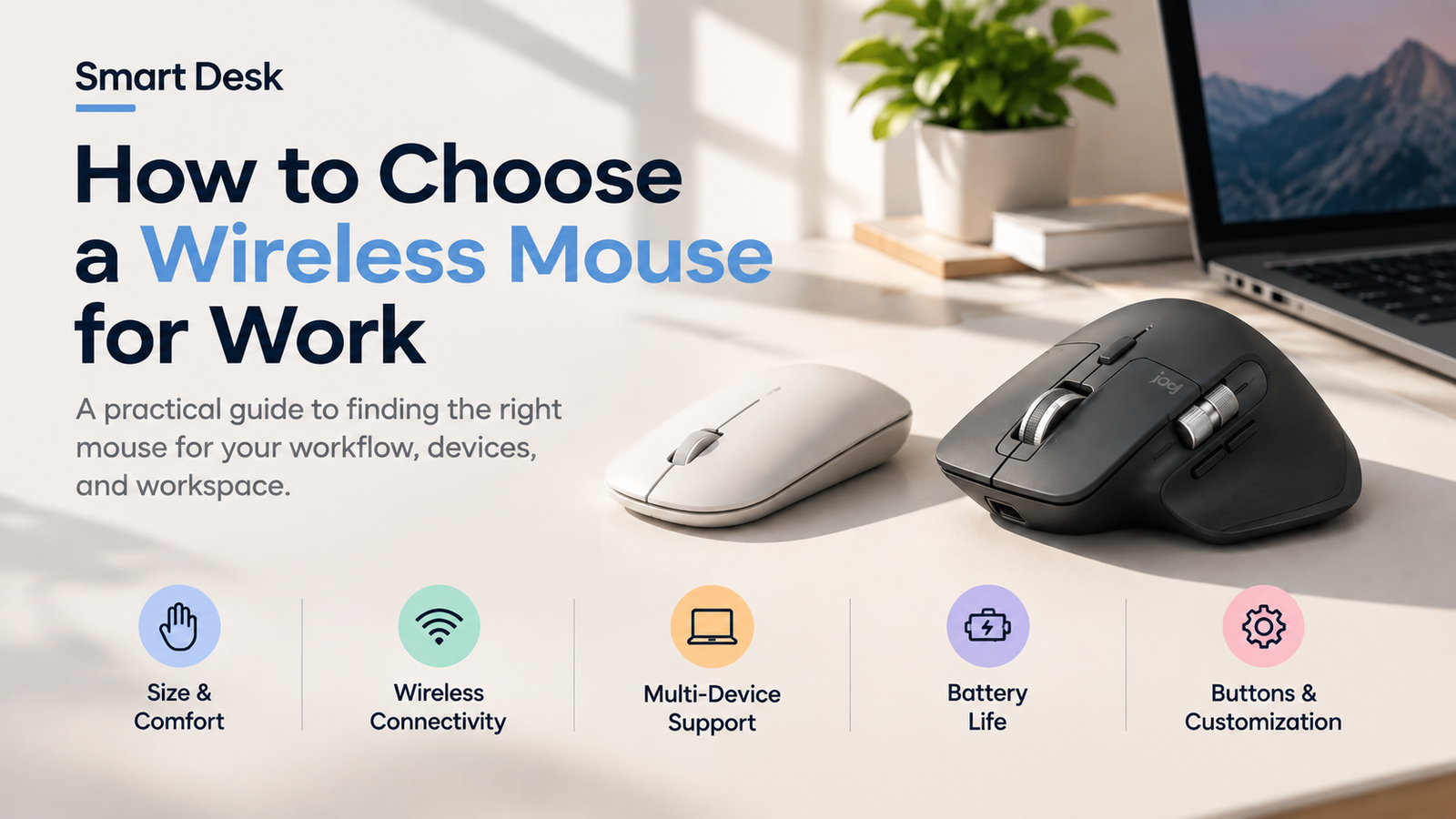
How to Choose a Wireless Mouse for Work
Learning how to choose a wireless mouse for work starts with understanding your hand size, workflow, and device setup. The best mouse is not always the one with the most features, but the one that fits how you work. A compact mouse can be ideal for a laptop and mobile setup, while a larger productivity…
-
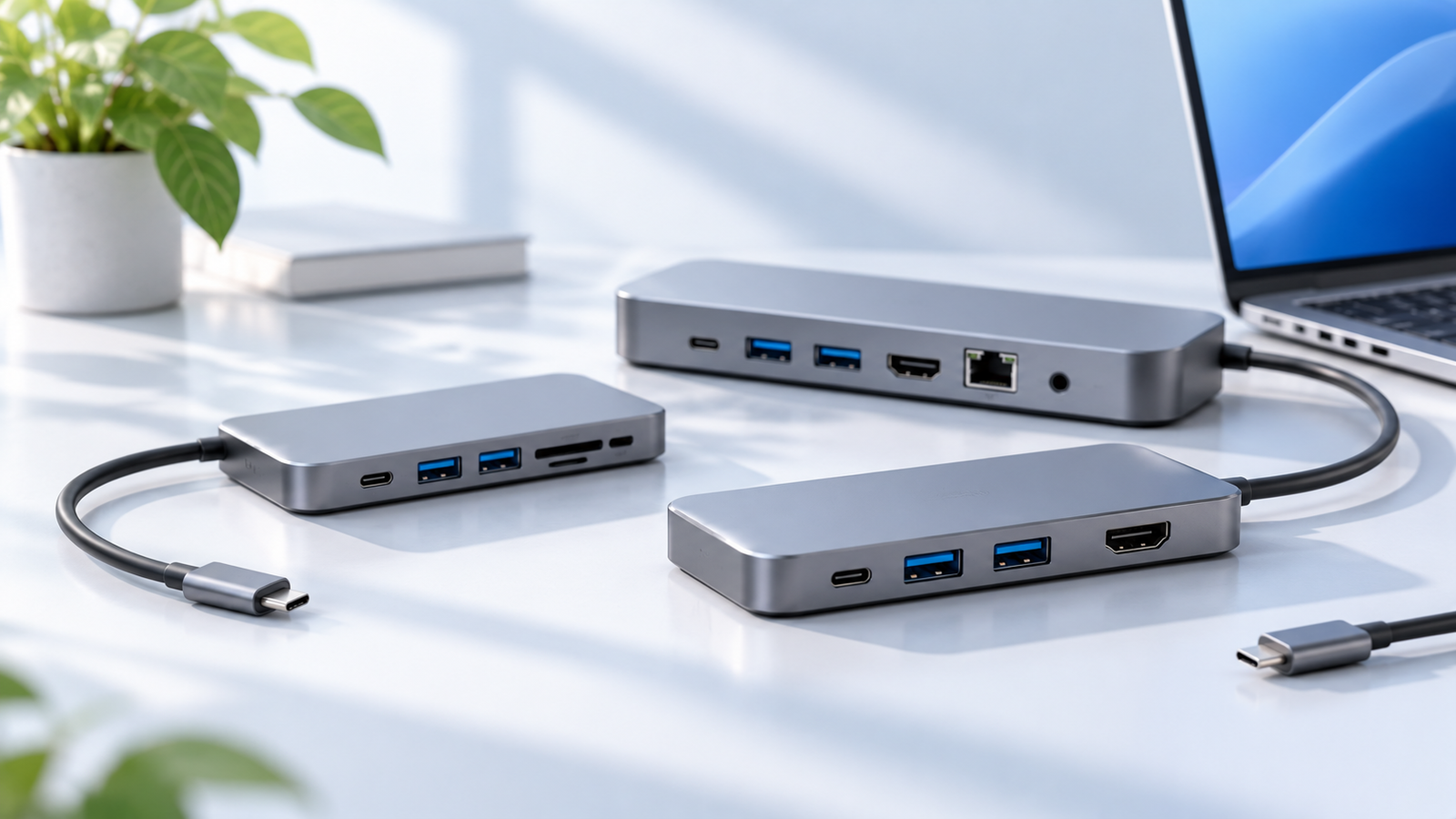
Best USB-C Hubs Under $50: Research-Based Picks for 2026
Looking for the best USB-C hubs under $50? A good USB-C hub can add useful ports to your laptop without the cost or size of a full docking station. The right choice depends on the connections you actually need, such as HDMI, USB data, Ethernet, SD cards, or Power Delivery. The main question isn’t simply…
-
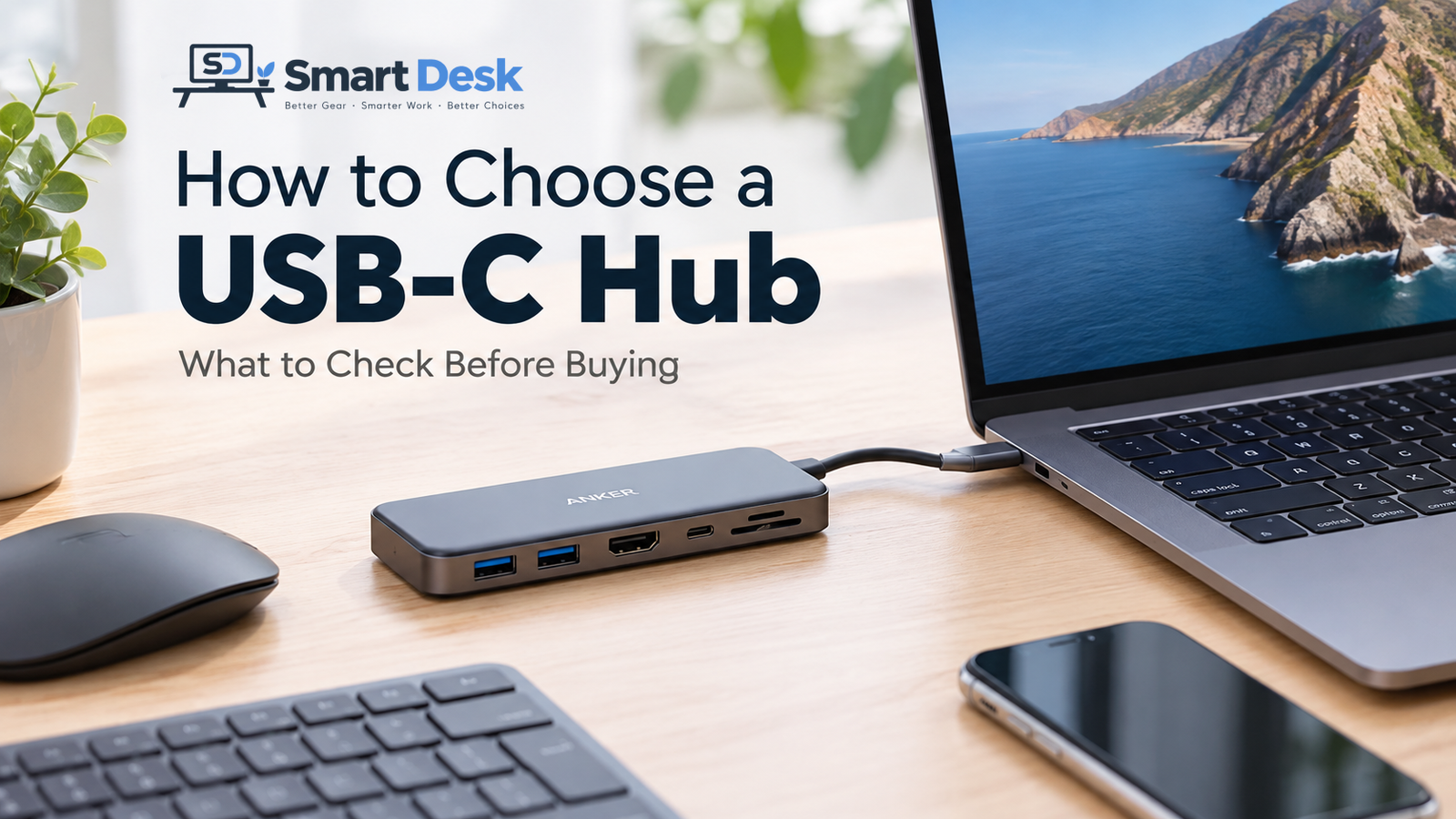
How to Choose a USB-C Hub
How to choose a USB-C hub starts with understanding what you actually need from your desk setup. A USB-C hub can turn a laptop with only a few ports into a much more flexible desk setup. But choosing one isn’t simply about counting how many ports are listed on the box. The important question is…
-
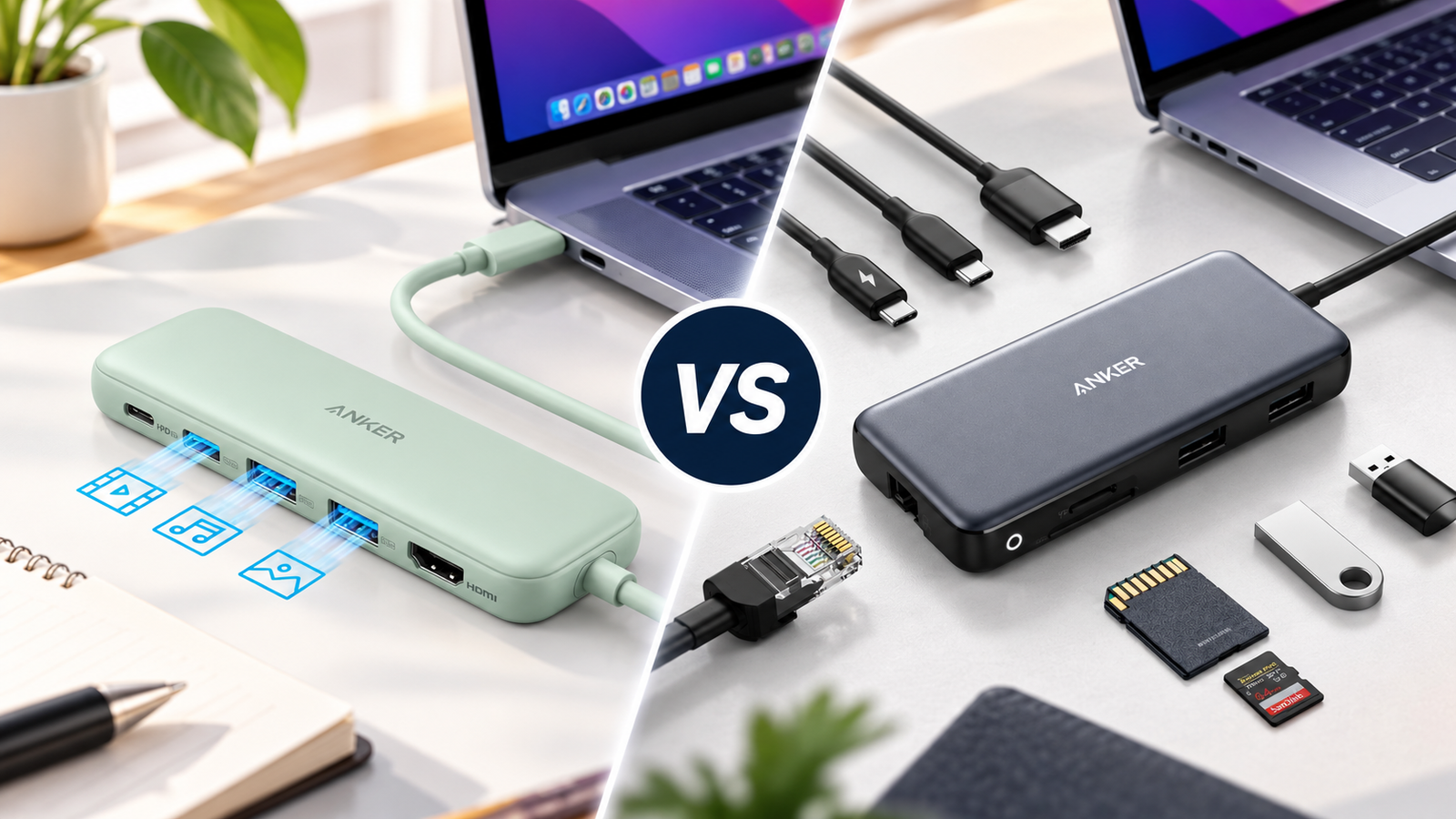
Anker 332 vs Anker 555: Which USB-C Hub Should You Buy?
If you’re choosing between the Anker 332 and Anker 555, the main question is not simply which hub has more ports. It’s whether you need a compact 5-in-1 adapter for everyday connections or a more versatile 8-in-1 hub with faster data, Ethernet, and SD card support. Choose the Anker 332 if you mainly need HDMI,…