
Category: Comparisons
-
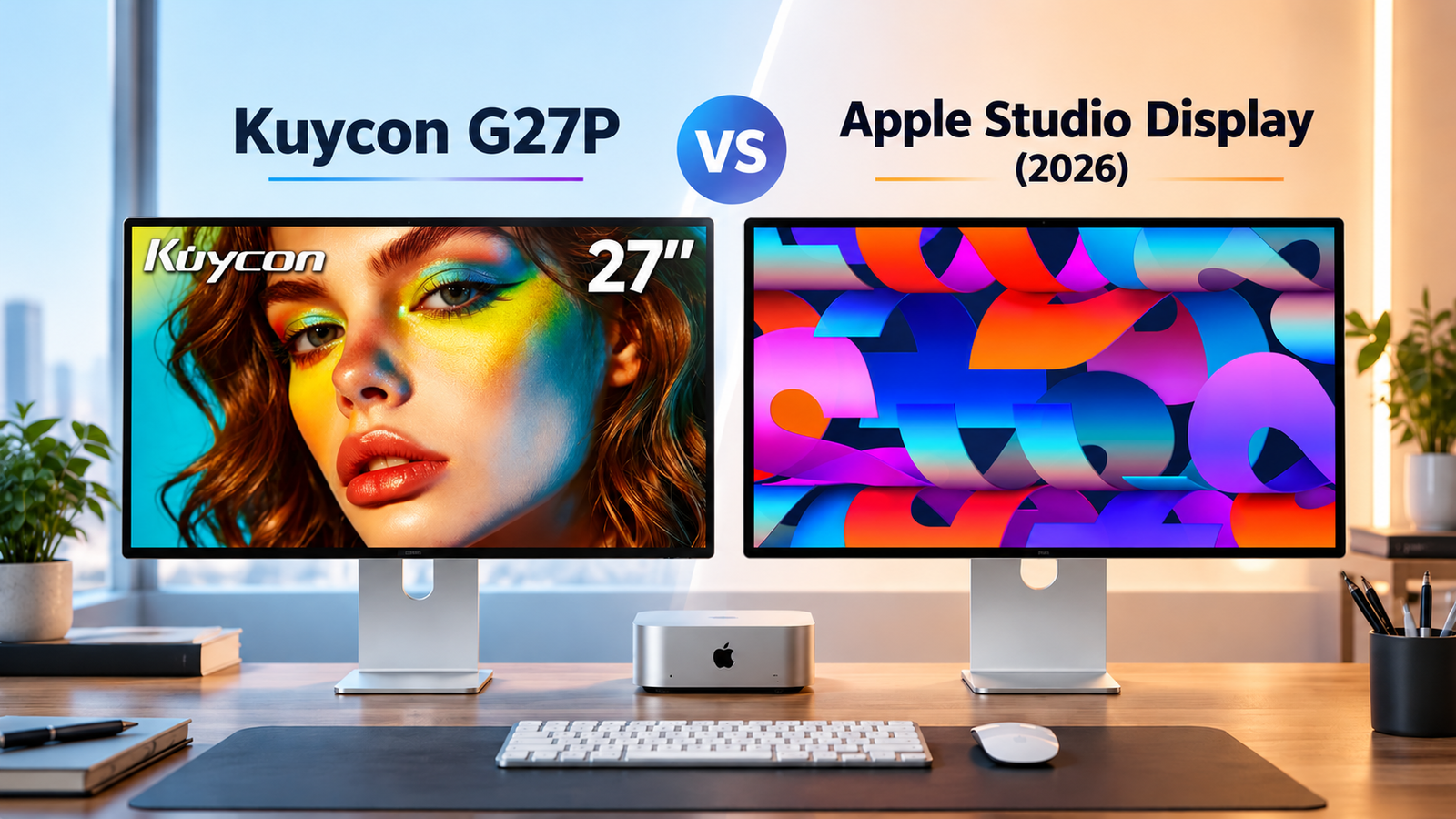
Kuycon G27P vs Apple Studio Display (2026): Is Apple Worth the Extra Money?
You want the crisp text and comfortable scaling of a 27-inch 5K monitor for your Mac. But do you really need to spend $1,599 to get it? That’s the question behind the Kuycon G27P vs Apple Studio Display (2026) comparison. The Kuycon G27P starts at $1120, while Apple’s updated Studio Display starts at $1,599 in…
-
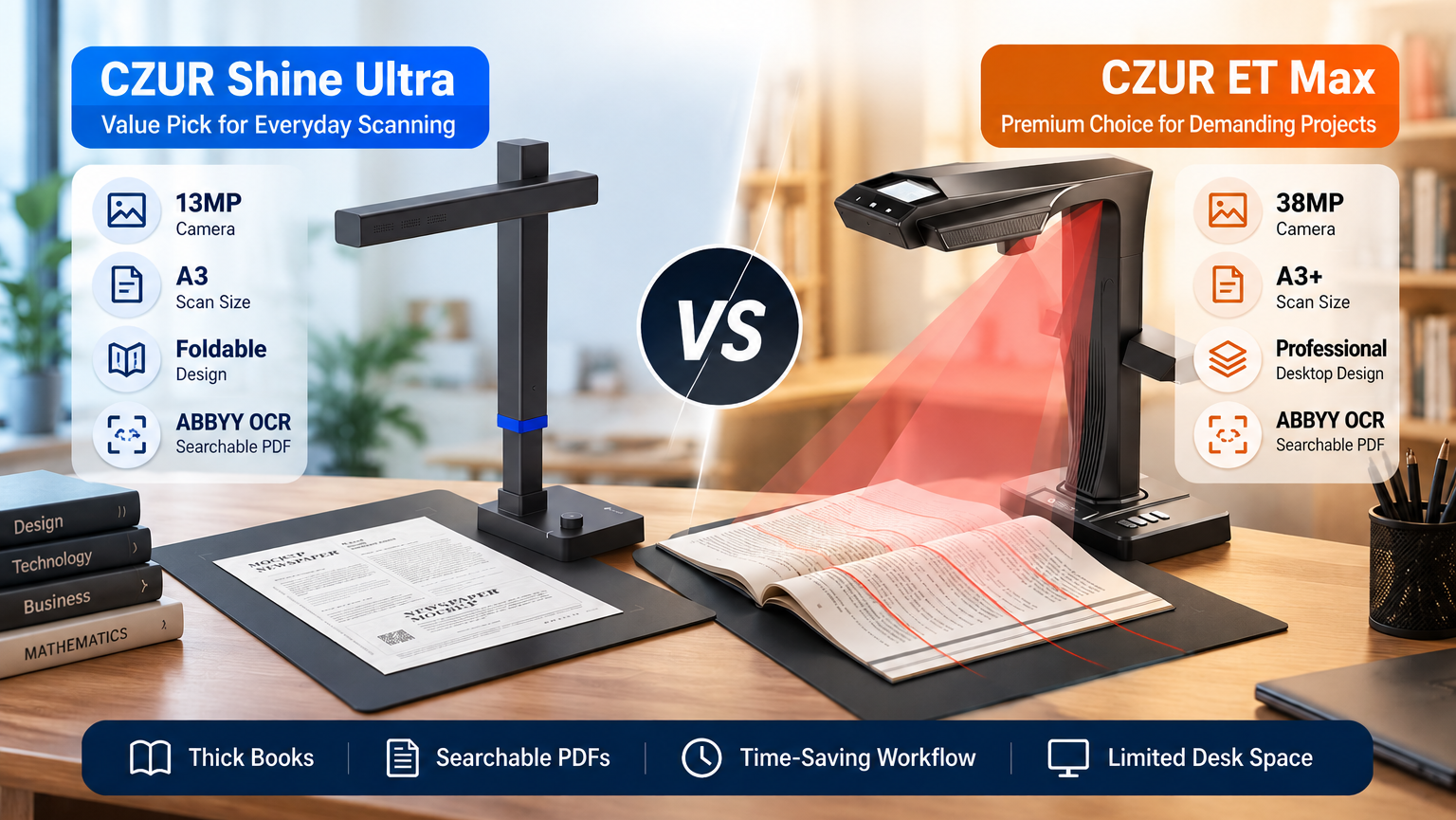
CZUR Shine Ultra vs ET Max: Do You Really Need the More Expensive Scanner?
Scanning thick books shouldn’t mean struggling with curved pages, unreadable text, or hours of manual cleanup. But do you really need an expensive professional scanner to solve those problems? Maybe you’re a student digitizing textbooks without flattening their bindings. Perhaps you’re working from a crowded home-office desk and want searchable PDFs instead of piles of…
-
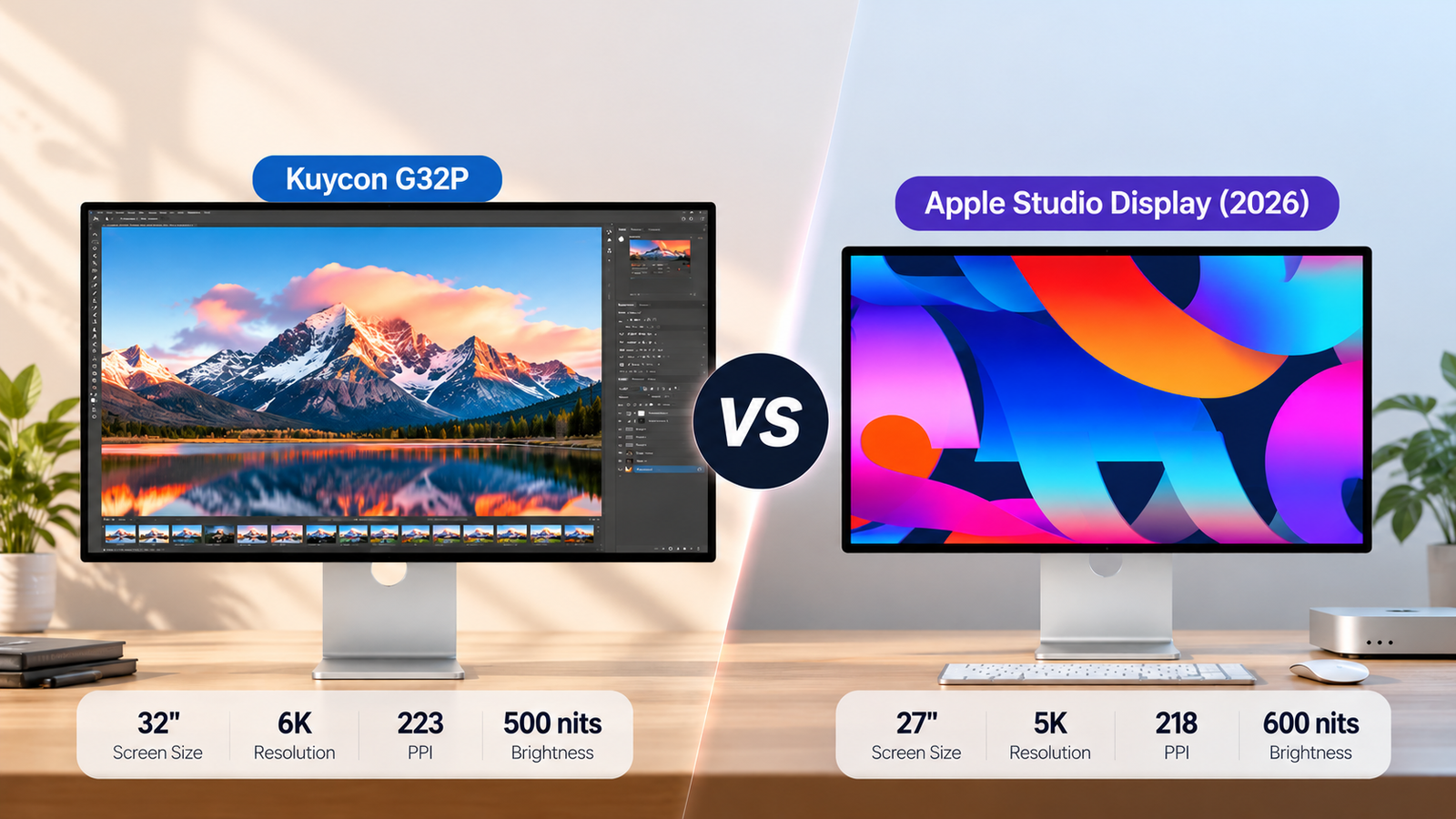
Kuycon G32P vs Apple Studio Display (2026): Is 32-Inch 6K Worth It?
A 27-inch 5K monitor can make text look beautifully sharp on a Mac. But what happens when your workday involves a code editor, browser, documentation, Slack, and spreadsheets—all competing for screen space? That is where the Kuycon G32P becomes interesting. With a 32-inch 6K panel and a manufacturer-rated 223 pixels per inch (PPI), the G32P…
-
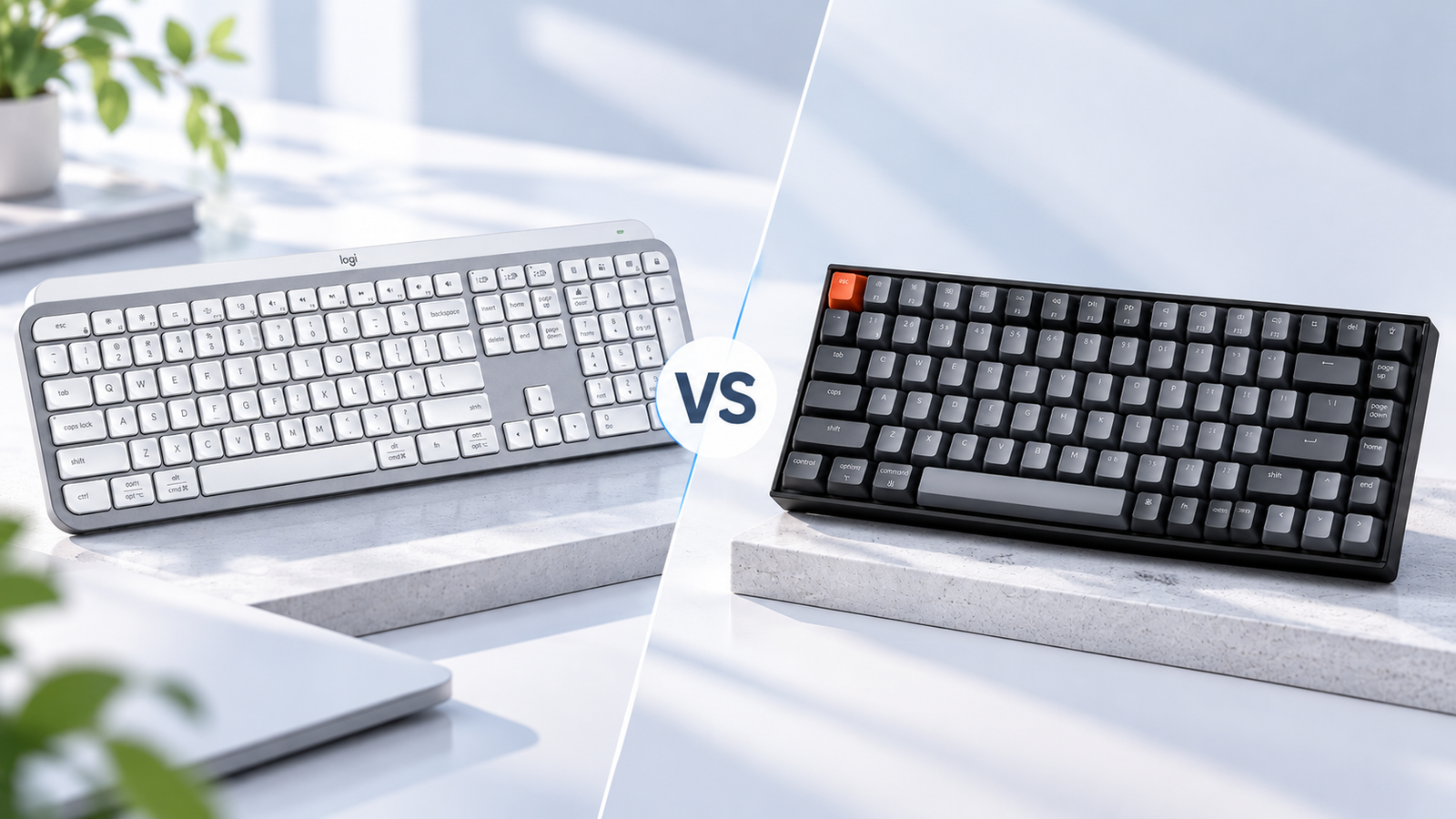
Logitech MX Keys S vs Keychron K2: Which Keyboard Should You Choose?
Logitech MX Keys S vs Keychron K2 comes down to two very different approaches to everyday typing. The MX Keys S is a full-size, low-profile keyboard designed around quiet productivity, while the Keychron K2 is a compact 75% mechanical keyboard with hot-swappable switches and a more customizable typing experience. If you want a quiet keyboard…
-
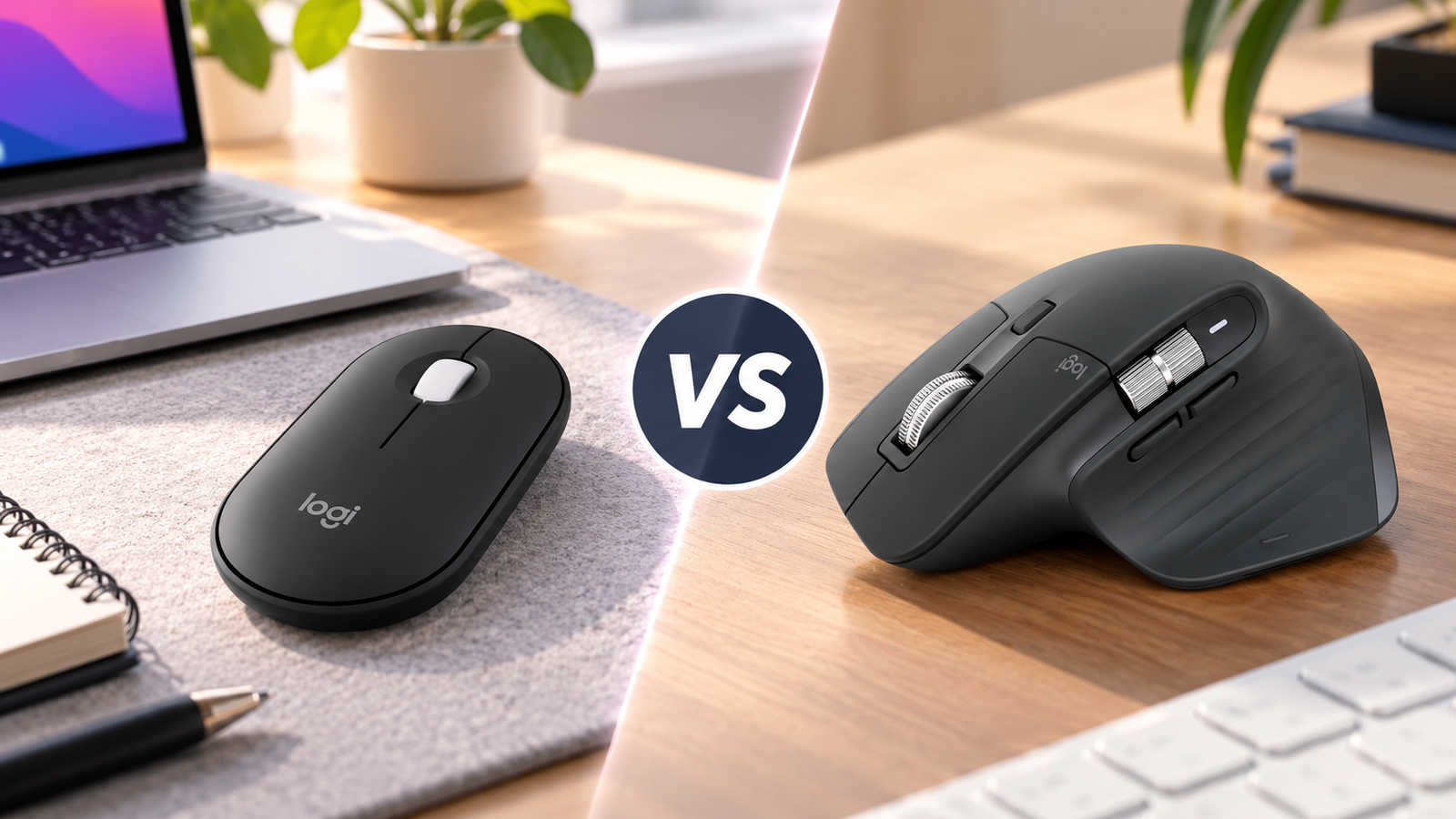
Logitech Pebble 2 M350s vs MX Master 3S: Which Mouse Should You Buy?
Logitech Pebble 2 M350s vs MX Master 3S is a comparison between two Logitech wireless mice designed for very different work styles. The Pebble 2 M350s focuses on portability, simplicity, and quiet everyday use, while the MX Master 3S is built around comfort, customization, and productivity features. If you want a compact mouse for a…
-
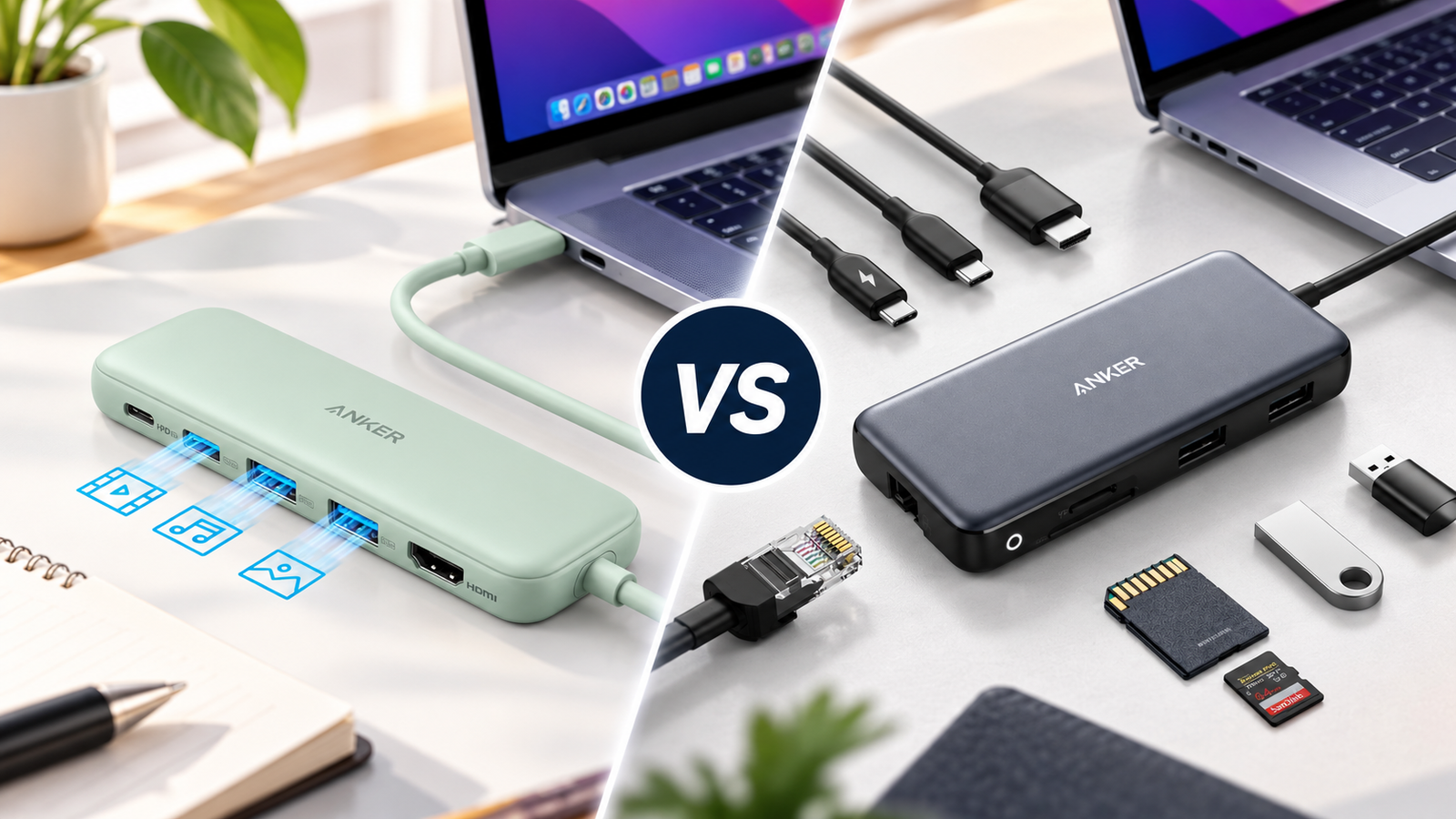
Anker 332 vs Anker 555: Which USB-C Hub Should You Buy?
If you’re choosing between the Anker 332 and Anker 555, the main question is not simply which hub has more ports. It’s whether you need a compact 5-in-1 adapter for everyday connections or a more versatile 8-in-1 hub with faster data, Ethernet, and SD card support. Choose the Anker 332 if you mainly need HDMI,…