
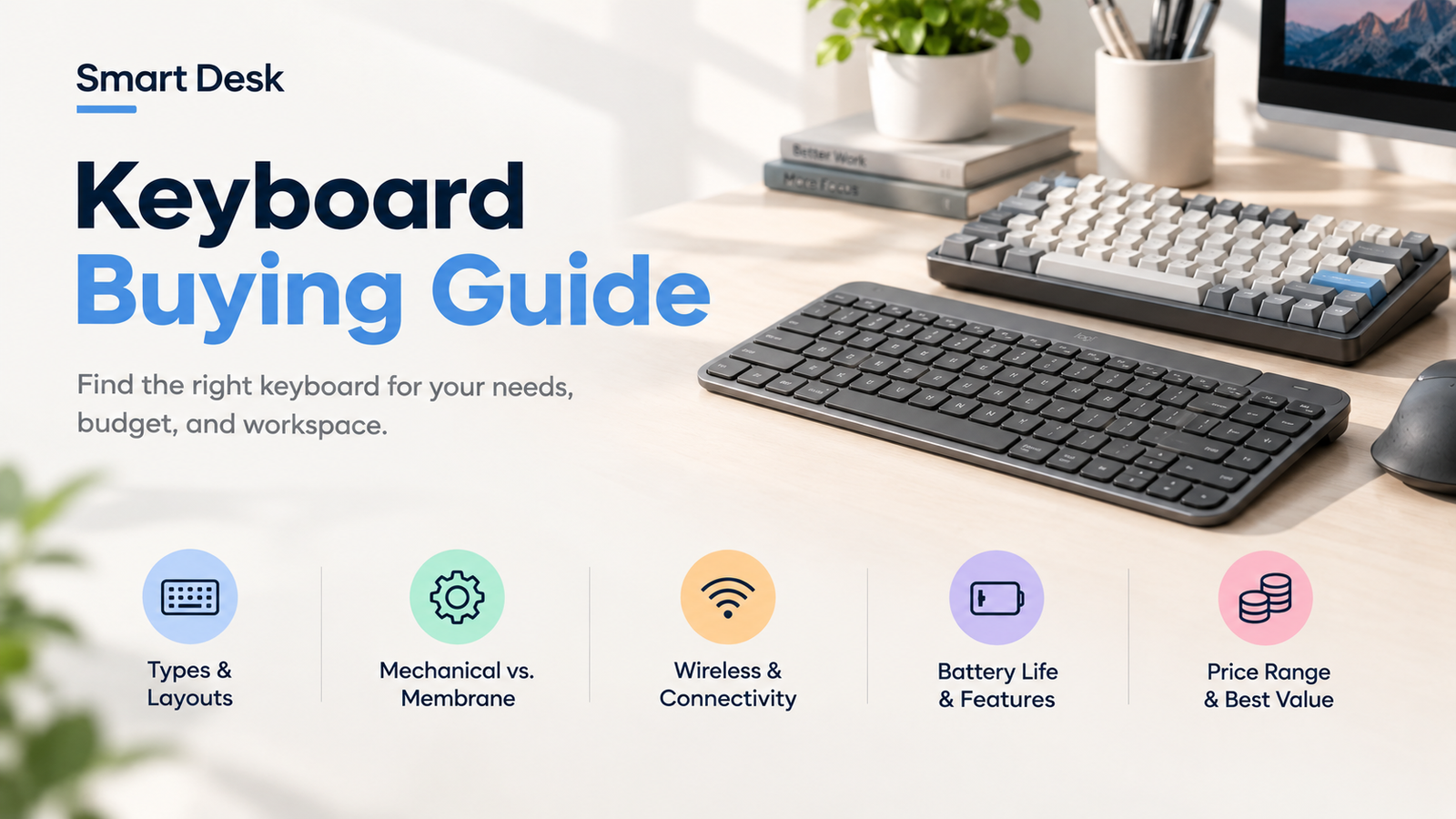
How to choose a keyboard is less about finding the most advanced model and more about finding the right combination of size, typing feel, connectivity, and features for your setup.
Whether you need a keyboard for work, gaming, programming, or everyday use, this guide explains the key factors to consider before buying.
Quick Answer
Before looking at switches, layouts, or extra features, think about how the keyboard will fit into your everyday routine.
Use Case
Work
Gaming
Programming
Everyday Use
Desk Space
Large Desk
Compact Desk
Travel
Typing
Smooth
Tactile
Clicky
Connection
Wired
Bluetooth
2.4GHz
Once these are clear, most of the remaining choices become easier.
1. Find the Keyboard Type That Fits You
Different keyboard designs are built around different priorities. Some focus on simplicity, while others give you more control over typing feel and customization.
Membrane Keyboards
- Usually softer and quieter
- Simple and affordable
- Best for basic office work and budget setups
Mechanical Keyboards
- Distinct typing feedback
- Wide range of switch options
- Best for frequent typing, gaming, and customization
Low-Profile Keyboards
- Slim design with shorter key travel
- More laptop-like typing feel
- Best for compact desks and portability
Ergonomic Keyboards
- Designed around alternative layouts or hand positions
- Focuses on typing comfort and positioning
- Best for long typing sessions and users seeking a different setup
If you’re considering a compact mechanical keyboard for work, our Keychron K2 Review looks more closely at its layout, typing feel, connectivity, and customization.
2. Think About How Much Space You Have
Keyboard size affects both your desk space and the keys available to you. Common layouts include full-size, 96%, TKL, 75%, 65%, and 60%. Exact key counts can vary between models.
Full Size
Numpad + full keys
96%
Full keys + compact layout
TKL
No numpad
75%
Function row + arrows
65%
No function row
60%
No function row + arrows
Need a number pad? Start with Full-size or 96%.
Want more desk space? Look at TKL, 75%, 65%, or 60%.
3. Find a Typing Feel You’ll Enjoy
For mechanical keyboards, the switch underneath each key has a major effect on how the keyboard feels and sounds.
Linear
Smooth
- Smooth Keystroke
- No tactile bump
Best for: Gaming / Smooth typing
Tactile
Feadback
- Noticeable bump
- Balanced feel
Best for: Typing / General use
Clicky
Click
- Tactile + audible
- Distinct feedback
Best for: Users who like sound
You do not need to choose a switch based on specifications alone. If possible, try the switch type before buying, because typing preference is highly personal.
Logitech MX Keys S vs. Keychron K2
4. How Do You Want to Stay Connected?
The right connection depends on whether your keyboard stays at one desk or moves between several devices.
Wired
- Simple
- No battery
Bluetooth
- Multi-device
- Portable
2.4GHz
- Low latency
- Wireness
Switching between several devices? Check for multi-device support before buying.
5. Which Extra Features Are Actually Worth It?
Once you have the basics figured out, a few additional features can make a real difference. Others may simply add cost.
| Feature | Why it matters |
|---|---|
| ✓ Hot-swappable | Change switches later |
| ✓ Backlighting | Easier to see keys |
| ✓ Programmable keys | Faster shortcuts |
| ✓ Multi-device | Switch between devices |
| ✓ Good battery life | Less frequent charging |
6. What Does Your Everyday Setup Look Like?
The best keyboard can look very different depending on how you use your desk.
If you already know what type of keyboard fits your setup, see our Best Keyboards for Work for specific picks based on different needs, layouts, and budgets.
Work
- Comfortable typing
- Reliable connection
- Full-size / TKL / 75%
Gaming
- Fast response
- Good switch feel
- Compact layouts
Programming
- Useful navigation keys
- Comfortable layout
- TKL / 75%
Travel
- Small
- Light
- Wireless
7. How Much Should You Spend?
Keyboard prices vary widely depending on construction, switches, connectivity, and customization.
Budget
Essential features
Mid-range
Better build+customization
Premium
Advanced features
A higher price does not automatically mean a better fit. The right keyboard is the one that provides the features you will actually use.
8. A Few Things to Watch Out For
☐ Missing keys
Make sure the layout includes the keys you actually use.
☐ Switch specifications
Typing feel is personal.
☐ Wireless battery
Check whether battery life fits your routine.
☐ Unused features
Don’t pay extra for features you won’t use.
FAQ
There is no single best size. Full-size keyboards are useful if you need a number pad, while TKL and 75% layouts save desk space while retaining many commonly used keys.
Mechanical keyboards offer more distinct switch options and typing feedback, but whether that feels better depends on personal preference.
A 75% keyboard keeps the function row and arrow keys while using less desk space than a full-size or TKL keyboard, making it a practical option for many work setups.
Wired keyboards are simple and do not need battery management. Wireless keyboards offer more flexibility and can be useful for multi-device setups. The better choice depends on how you use your desk.
A low-profile keyboard can be a good fit if you prefer shorter key travel, a slimmer design, or easier portability.
The Takeaway
The easiest way to choose a keyboard is to start with your workflow rather than the feature list.
Choose the size based on the keys you actually need, the type and switch based on your preferred typing experience, and wired or wireless connectivity based on how you use your devices.
Once those basics are right, features such as hot-swappable switches, backlighting, programmable keys, and multi-device support can help refine your choice.
Still Not Sure Which Keyboard to Get?
See our Best Keyboards for Work to compare practical picks for different work styles, layouts, and budgets.
Sources & Last Updated
- Keychron — Keyboard Buying Guide
- RTINGS — Different Keyboard Sizes Explained
- RTINGS — Best Wireless Keyboards
- RTINGS — Best Low-Profile Keyboards
Last Updated: October 1, 2026
Research status: Research-based. Smart Desk has not independently hands-on tested the products discussed in this guide.
Price note: Prices are manufacturer-listed U.S. prices checked October 1, 2026 and may change.