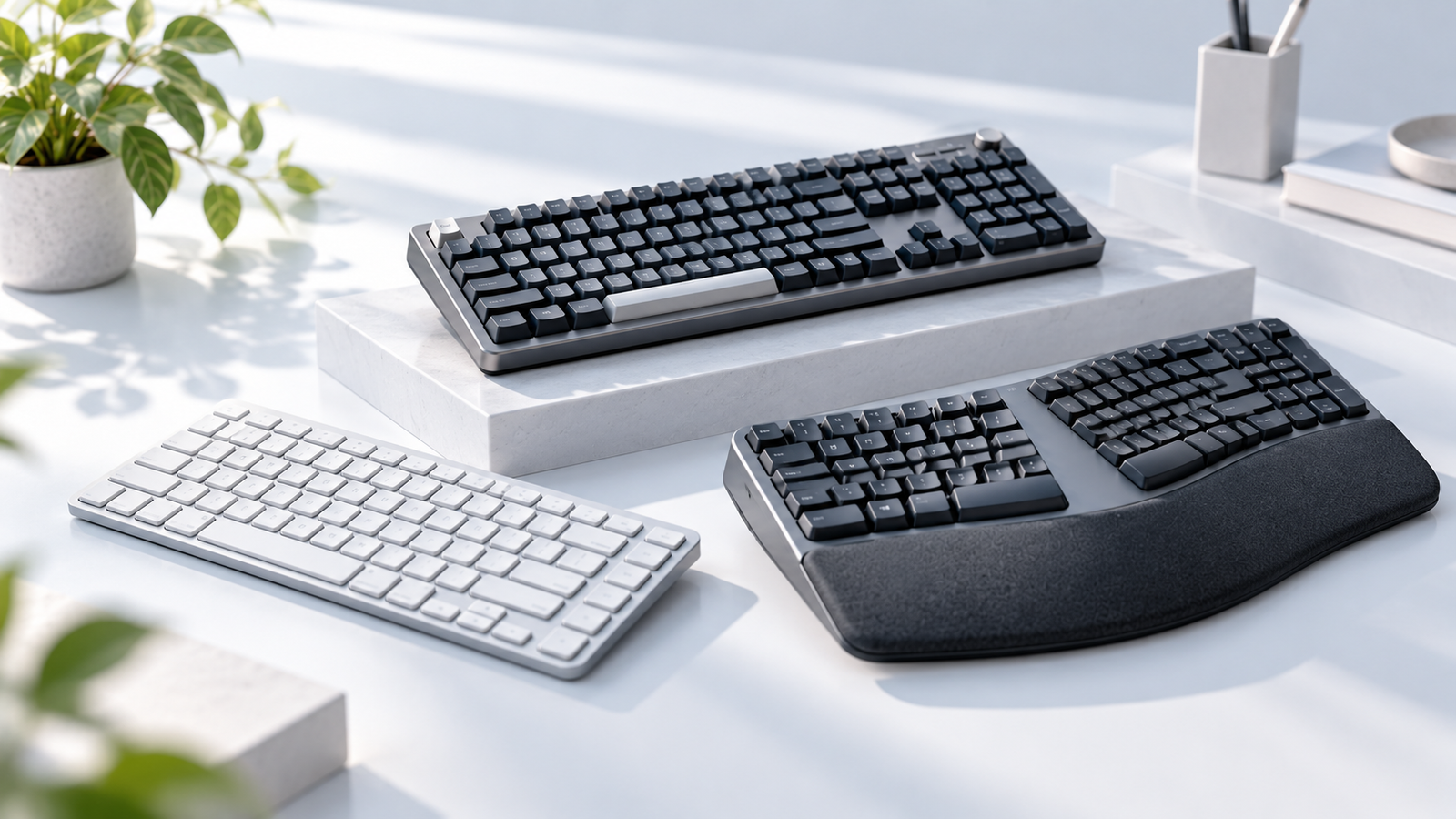
Looking for the best keyboards for work? The right choice depends less on having the most features and more on how you actually work.
Some people want a quiet, comfortable keyboard for long writing sessions. Others prefer the feel of mechanical switches, need to save desk space, or want better wrist support. There is no single keyboard that is perfect for everyone.
We’ve narrowed down the choices into six practical categories, so you can find the one that fits your desk, workflow, and budget.
Quick Picks
Best Overall
Logitech MX Keys S
Comfortable typing, smart backlighting, productivity
Best Mechanical
Keychron K2 Version 2
Compact layout, tactile typing
Best Budget
Logitech Pebble Keys 2 K380s
Affordable, quiet, compact,multi-device
Best Low-Profile
Logitech MX Mechanical Mini
Slim design, genuine mechanical feedback
Best Compact
Logitech MX Keys Mini
Refined, space-saving
Best Ergonomic
Logitech Wave Keys
comfortable, wave-shaped layout , cushioned palm rest
How We Choose
A good work keyboard should make your everyday typing easier rather than simply give you more features.
We looked at six things:
Typing Experience
Layout & desk space
Connectivity
Comfort
Features
Value
- Typing Experience: Key feel, typing noise, stability, and comfort during extended use.
- Layout and Desk Space: Keyboard size, available desk space, and whether a number pad is necessary.
- Connectivity: Wired and wireless options, Bluetooth support, and multi-device switching.
- Comfort and Ergonomics: Wrist position, typing posture, and suitability for long work sessions.
- Features: Backlighting, shortcut keys, software support, and customization options.
- Value: Price relative to the keyboard’s features, build quality, and intended use.
The goal is not to find the most expensive keyboard. It is to find the keyboard that makes the most sense for a particular type of user.
Best Keyboards At a Glance
| Product | Type | Layout | Wireless | Best For | Price Range |
|---|---|---|---|---|---|
| Logitech MX Keys S | Scissor / low-profile | Full-size | Yes | All-around work | ~$100–$130 |
| Keychron K2 Version 2 | Mechanical | 75% | Yes | Mechanical typing | ~$60–$90 |
| Logitech Pebble Keys 2 K380s | Low-profile | Compact | Yes | Budget setups | ~$30–$40 |
| Logitech MX Mechanical Mini | Mechanical / low-profile | 75% | Yes | Low-profile mechanical | ~$130–$160 |
| Logitech MX Keys Mini | Scissor / low-profile | Compact | Yes | Small desks | ~$80–$100 |
| Logitech Wave Keys | Ergonomic | Full-size | Yes | Long workdays | ~$60–$70 |
Prices are approximate and can change with retailer promotions, region, and product configuration.
Best Overall: Logitech MX Keys S
- Full-size layout with number pad
- Low-profile keys
- Smart backlighting
- Wireless connectivity
- Multi-device workflow support
- Programmable keys through Logitech software
- Designed for comfortable, precise typing
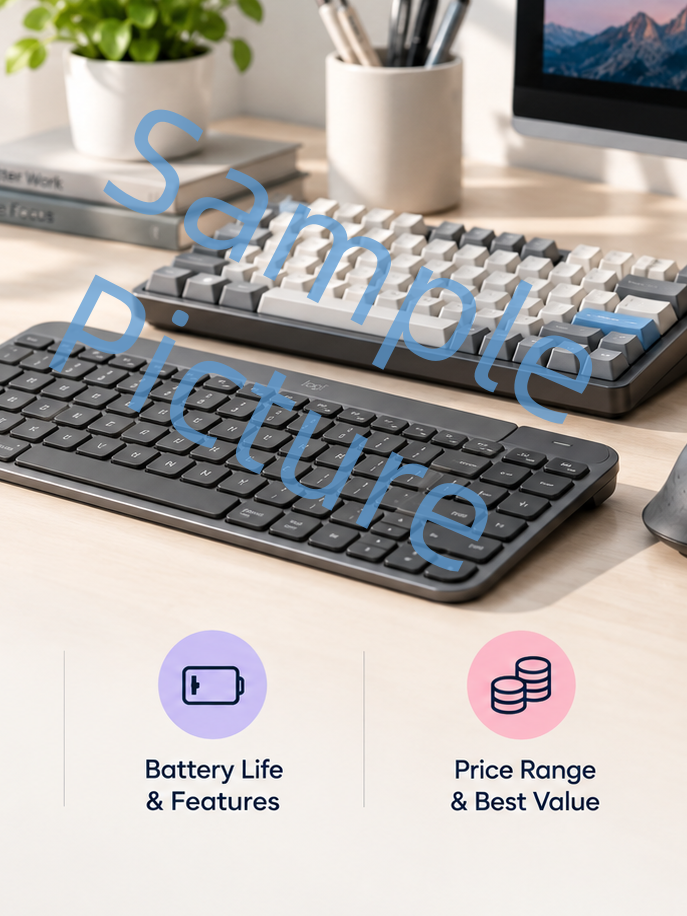
For most people, the Logitech MX Keys S is the easiest keyboard to recommend.
It does not try to be a specialist keyboard. Instead, it focuses on the things that matter every day: comfortable typing, a clean layout, useful shortcuts, wireless connectivity, and a refined design.
The low-profile keys are shaped around the fingertips and designed to provide stable, quiet keystrokes. Smart backlighting is also useful if you regularly work in different lighting conditions.
Best for
√
Everyday office and home-office work
√
Long writing and typing sessions
√
Users who want a polished, full-size wireless keyboard
Not for
×
Users who specifically want mechanical switches
×
Small desks that need a compact layout
×
Users who prefer an ergonomic or split keyboard
Best overall: Choose the MX Keys S if you want a polished, comfortable work keyboard without having to think too hard about the decision.
Best Mechanical Keyboard: Keychron K2 Version 2
- 75% compact layout
- Mechanical switches
- Bluetooth and USB-C wired connectivity
- Connects with up to three Bluetooth devices
- 4000mAh battery
- macOS, Windows, and Linux compatibility
- Hot-swappable options
- Available with different switch types
If you like the feel of mechanical switches, the Keychron K2 Version 2 offers a lot of functionality without becoming a huge desktop keyboard.
Its 75% layout keeps the important function and navigation keys while reducing the footprint compared with a traditional full-size keyboard.
Want a closer look at this keyboard before deciding? See our Keychron K2 Review for more detail on its layout, typing experience, connectivity, and customization.
Best for
√
Users who prefer mechanical switches
√
Writers, programmers, and frequent typists
√
Users who want a compact 75% layout
Not for
×
Users who prefer a quiet, laptop-style typing feel
×
Very small desks where a more compact keyboard is needed
×
Users who rarely care about mechanical key feel
Best mechanical: Choose the K2 if typing feel matters as much to you as productivity.
Best Budget Keyboard: Logitech Pebble Keys 2 K380s
- Compact layout
- Quiet, low-profile keys
- Bluetooth connectivity
- Switch between up to three devices
- Customizable shortcut keys
- Compatible with Windows, macOS, iPadOS, iOS, and Android
You do not need to spend $100 to get a good work keyboard.
The Logitech Pebble Keys 2 K380s keeps things simple with a compact design, quiet low-profile keys, Bluetooth connectivity, and support for multiple devices.
Best for
√
Budget-conscious users
√
Students and casual home-office setups
√
Users who want a small, quiet, multi-device keyboard
Not for
×
Users who need a full-size number pad
×
Heavy typists looking for a more premium typing experience
×
Users who want backlighting or mechanical switches
Best budget: Choose it when affordability, portability, and simplicity matter more than premium features.
Best Low-Profile Keyboard: Logitech MX Mechanical Mini
- Low-profile mechanical switches
- Compact, space-saving layout
- Smart backlighting
- Three switch options: Tactile Quiet, Clicky, and Linear
- Wireless connectivity
- Multi-device support
- Logitech software customization
Low-profile keyboards are a good middle ground between traditional mechanical keyboards and laptop-style boards.
The MX Mechanical Mini takes that idea further by combining low-profile mechanical switches with a compact layout.
Best for
√
Users who want low-profile mechanical switches
√
People who like mechanical feedback but want a slimmer keyboard
√
Compact or minimalist desk setups
Not for
×
Users who prefer a soft, laptop-style typing experience
×
Users who need a full-size number pad
×
Buyers looking for the best value at a lower price
Best low-profile: Choose it if you want mechanical typing without the bulk of a traditional mechanical keyboard.
Best Compact Keyboard: Logitech MX Keys Mini
- Compact, minimalist layout
- Low-profile keys
- Smart backlighting
- Wireless connectivity
- Programmable function keys
- Dedicated emoji, dictation, and microphone controls
- Multi-device workflow support
A smaller keyboard can make a surprisingly big difference on a crowded desk.
The MX Keys Mini removes the number pad while keeping the refined typing experience of the MX Keys family. Its smaller footprint also gives your mouse more room and can help bring your hands closer together.
Best for
√
Small or minimalist desks
√
Laptop users who want a dedicated external keyboard
√
Users who prefer a quiet, low-profile typing experience
Not for
×
Number pad users
×
Mechanical switches users
×
Prefer an ergonomic keyboard layout
Best compact: Choose the MX Keys Mini when desk space matters but you still want a premium typing experience.
Best Ergonomic Keyboard: Logitech Wave Keys
- Wave-shaped ergonomic layout
- Cushioned palm rest
- Full-size layout with number pad
- Bluetooth and Logi Bolt wireless connectivity
- Multi-device support
- Customizable keys through Logitech Options+
- Up to three years of battery life with included AAA batteries
If you spend most of your day typing, comfort becomes more important than having the smallest or fastest keyboard.
The Logitech Wave Keys uses a wave-shaped design to position your hands, wrists, and forearms in a more natural position. It also includes a cushioned palm rest with three layers of memory foam.
Best for
√
Long workdays and extended typing sessions
√
Users who prioritize wrist and hand comfort
√
People who want an ergonomic design without a split keyboard
Not for
×
Users who prefer a compact or minimalist keyboard
×
Mechanical switches users
×
Need a completely conventional keyboard layout
Best ergonomic: Choose it if comfort and wrist support are your top priorities.
Which Keyboard Is Right for You?
You can make the decision much simpler by starting with what matters most to you.
All-around
Logitech MX Keys S
Mechanical switches
Keychron K2 Version 2
Lowest price
Logitech Pebble Keys 2 K380s
Low-profile mechanical typing
Logitech MX Mechanical Mini
FAQ
For most people, the Logitech MX Keys S is the best all-around choice. It combines a comfortable low-profile typing experience, wireless connectivity, smart backlighting, and productivity features without requiring a major adjustment to your workflow.
The Keychron K2 Version 2 is a strong choice if you want mechanical switches in a compact 75% layout. It supports both wireless and wired connections and can connect to multiple Bluetooth devices.
Not necessarily. Mechanical keyboards can provide stronger tactile feedback and a more distinctive typing feel, but preference matters. For quiet offices or people who prefer a laptop-like experience, a low-profile or scissor-style keyboard may be more comfortable.
A full-size keyboard is useful if you regularly use a number pad. A compact or 75% keyboard is better if desk space is limited or you want more room for your mouse.
The best size is the one that gives you the keys you actually use without taking space away from the rest of your setup.
For basic work, around $30–$50 can be enough. Around $60–$100 gives you more choices in comfort, wireless connectivity, and build quality. Premium keyboards above $100 make more sense when you have specific preferences, such as mechanical switches, better backlighting, or advanced productivity features.
Yes. Modern wireless keyboards are a practical choice for most work setups. They reduce cable clutter and make it easier to switch between devices. If you frequently move between a laptop, tablet, and desktop, multi-device wireless support can be especially useful.
Final Takeaway
There is no single keyboard that wins for everyone.
For a dependable all-around setup, the Logitech MX Keys S is the easiest choice. If you want mechanical switches, go with the Keychron K2 Version 2. For a lower budget, the Pebble Keys 2 K380s keeps things simple. The MX Mechanical Mini is a good fit for low-profile mechanical fans, while the MX Keys Mini makes more sense when desk space is limited. And if long-term comfort is your priority,Wave Keys is worth considering.
The best keyboard is ultimately the one that fits the way you work.
For a broader buying framework, read How to Choose a Keyboard: A Practical Buying Guide.
If you are deciding specifically between the MX Keys S and Keychron K2, see Logitech MX Keys S vs Keychron K2: Which Keyboard Should You Choose?.
Ready to Choose Your Keyboard?
Compare the options above based on your work style, then check current pricing and availability before buying.
Logitech MX Keys S
Keychron K2 Version 2
Logitech Pebble Keys 2 K380s
Logitech MX Mechanical Mini
Logitech MX Keys Mini
Logitech Wave Keys
Disclosure: Smart Desk may earn commissions from qualifying purchases made through affiliate links. This does not affect the price you pay and helps support our research-based content.
Sources & Last Updated
Primary sources:
- Logitech MX Keys S—Official Logitech product page
- Keychron K2 Version 2—Official Keychron product page
- Logitech Pebble Keys 2 K380s—Official Logitech product page
- Logitech MX Mechanical Mini—Official Logitech product page
- Logitech MX Keys Mini—Official Logitech product page
- Logitech Wave Keys—Official Logitech product page
Last Updated: October 5, 2026
Research status: Research-based guide. Smart Desk has not independently hands-on tested these products.