
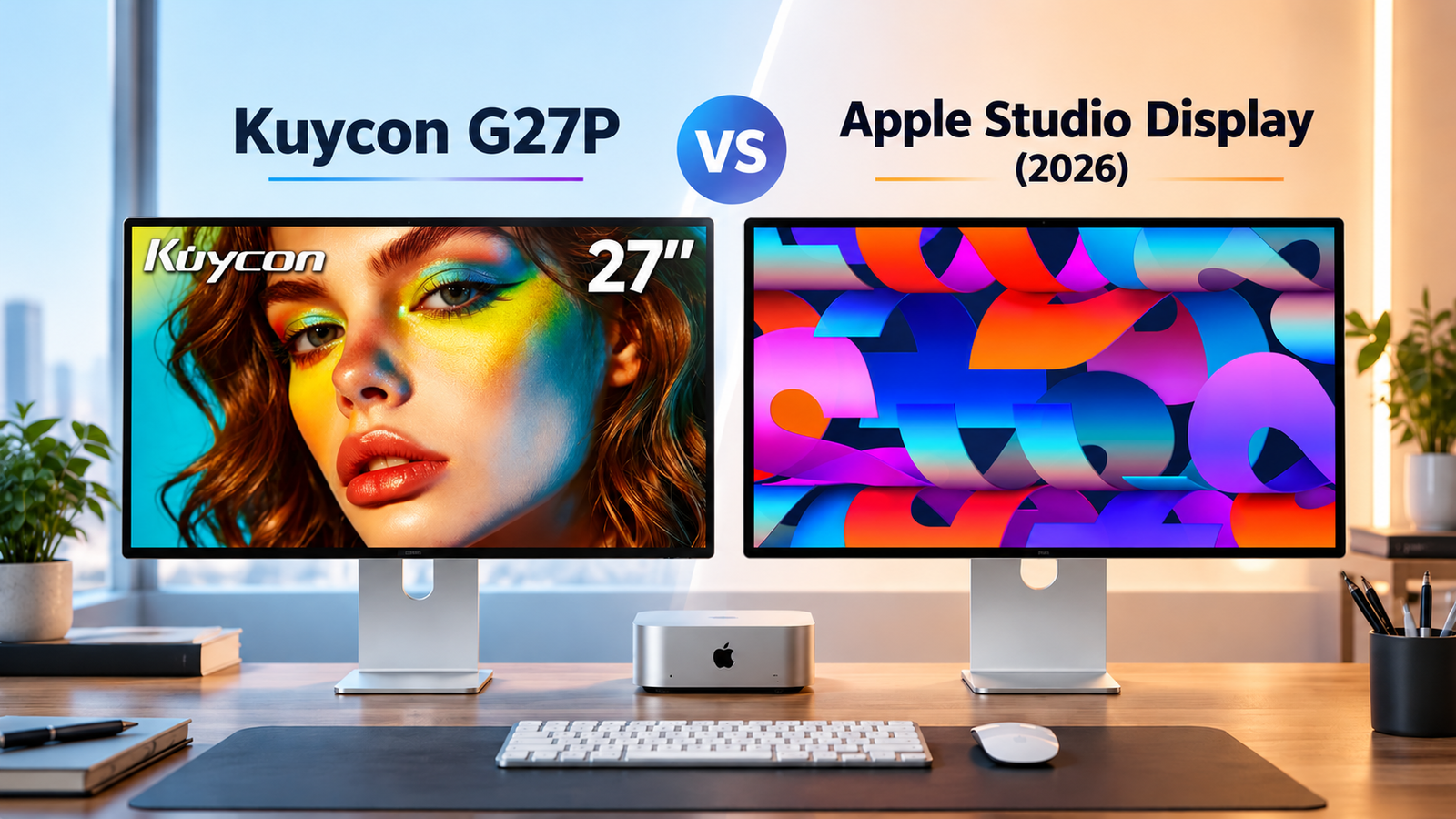
You want the crisp text and comfortable scaling of a 27-inch 5K monitor for your Mac. But do you really need to spend $1,599 to get it?
That’s the question behind the Kuycon G27P vs Apple Studio Display (2026) comparison.
The Kuycon G27P starts at $1120, while Apple’s updated Studio Display starts at $1,599 in the US. Both advertise a 27-inch 5120 × 2880 display, 218 pixels per inch (PPI), and 600 nits of brightness.
On paper, the G27P even offers a higher refresh rate: 75Hz versus Apple’s 60Hz.
So where does the extra $500 go?
Apple adds Thunderbolt 5 connectivity, a 12MP Center Stage camera with Desk View, integrated speakers and microphones, True Tone, and an established support ecosystem.
The G27P takes a different approach: prioritize the high-density display, offer flexible video connections, and leave the extras to the buyer.
Disclosure: Smart Desk may earn commissions from qualifying purchases made through affiliate links. This does not affect the price you pay and helps support our research-based content.
Quick Comparison: Kuycon G27P vs Apple Studio Display (2026)
Kuycon G27P
Best Value 27-Inch 5K Alternative
27”
Screen
5K
Resolution
218
PPI
75Hz
Refresh Rate
Main Pain Point Solved: Getting a high-PPI 5K Mac workspace without paying Apple’s premium entry price.
Pros
- Almost $500 lower advertised starting price.
- Same advertised size, resolution, and pixel density as Apple.
- Higher maximum refresh rate on compatible connections.
- USB-C, DisplayPort, and HDMI options.
- Good fit for users who already own a webcam and speakers.
Cons
- Stand is optional and adds cost.
- No built-in webcam or speakers.
- Less extensive independent testing and long-term reliability evidence.
- Restrictive change-of-mind return conditions for direct US purchases.
10% Off · 30-Day Returns & Exchanges
Apple Studio Display (2026)
Best Integrated Mac Experience
27”
Screen
5K
Resolution
218
PPI
60Hz
Refresh Rate
Main Pain Point Solved: Creating a clean, highly integrated Mac workspace without separately managing conferencing and audio accessories.
Pros
- 12MP Center Stage camera with Desk View.
- Six-speaker system and three-microphone array.
- Thunderbolt 5 connectivity and peripheral expansion.
- True Tone and Apple reference modes.
- Tilt-adjustable stand included at the starting price.
Cons
- Almost $500 higher advertised starting price.
- Limited to 60Hz.
- Height-adjustable stand and nano-texture glass cost extra.
- Fewer conventional video-input options than the G27P.
Quick verdict: The G27P is the more compelling starting point for budget-conscious Mac users who mainly want a sharp 5K workspace. The 2026 Studio Display is easier to justify if you value integrated conferencing, Thunderbolt connectivity, and a more established buying experience.
Neither choice is automatically better for everyone.
Key Differences Between the Kuycon G27P and Apple Studio Display (2026)
| Feature | Kuycon G27P | Apple Studio Display (2026) |
|---|---|---|
| Screen size | 27 inches | 27 inches |
| Resolution | 5120 × 2880 | 5120 × 2880 |
| Pixel density | 218 PPI | 218 PPI |
| Refresh rate | Up to 75Hz | 60Hz |
| Advertised brightness | 600 nits | 600 nits |
| Color | P3 wide gamut; manufacturer lists 99% DCI-P3 | P3 wide color |
| Contrast ratio | 2000:1 claimed | Not specified in Apple’s technical sheet |
| Video connections | USB-C, DisplayPort, HDMI | Thunderbolt 5 |
| Laptop charging | Up to 100W | Up to 96W |
| Webcam | None specified | 12MP Center Stage |
| Speakers | No built-in speakers | Six-speaker system |
| Stand | Optional; VESA adapter included | Tilt-adjustable stand included |
| US starting price | $1,119.99 | $1,599 |
Sources: Kuycon and Apple technical specifications. Figures are manufacturer claims, not independently verified measurements. Prices are US manufacturer-listed starting prices checked October 24, 2026.
The most important difference isn’t resolution. It’s what each manufacturer includes around the panel.
Same 5K Resolution: Will Text Look Equally Sharp?
Why 218 PPI Matters for Mac Users
For developers, writers, analysts, and anyone who spends hours reading text, pixel density can matter more than headline screen size.
A typical 27-inch 4K display has approximately 163 PPI. Both the G27P and Studio Display advertise 218 PPI.
That higher density gives macOS more physical pixels for rendering text, icons, and interface elements.
At a comfortable Retina-style scaling setting, a 27-inch 5K monitor commonly provides a workspace resembling 2560 × 1440 while rendering with additional pixel detail.
This is why 5K remains attractive for Mac users who prioritize crisp text.
The G27P offers the same advertised pixel-density foundation as Apple’s display for substantially less money.
Same PPI Doesn’t Mean Identical Image Quality
Resolution and PPI don’t tell the whole story.
Perceived text clarity also depends on the panel’s pixel structure, display coating, scaling mode, viewing distance, and image processing.
The G27P uses a glossy anti-glare finish, while Apple offers standard anti-reflective glass and an optional nano-texture finish.
Neither finish is universally better. Reflections, ambient lighting, and personal preferences all affect the result.
Without controlled side-by-side testing, it’s not responsible to claim that the G27P looks exactly like the Studio Display.
Buying takeaway: The G27P matches Apple’s advertised 5K pixel density, but equal specifications don’t guarantee identical visual performance.
Is Apple’s Higher Price Justified?
This is the central buying question.
At published US starting prices, Apple charges $500 more.
That premium doesn’t buy a larger display or higher pixel density. Instead, it pays for integration, connectivity, included hardware, and Apple’s broader product ecosystem.
What You Get With the G27P
The G27P provides the essentials for a high-density Mac workstation:
A 27-inch 5K panel, USB-C video connectivity, up to 100W laptop charging, and multiple video-input options.
Its advertised 75Hz refresh rate is another advantage over Apple’s 60Hz specification, although the difference is modest compared with a 120Hz or higher-refresh display.
For someone who spends the day writing, coding, or working in spreadsheets, these features may be enough.
What Apple’s Extra Money Buys
The 2026 Studio Display adds features that can meaningfully simplify daily use:
- A 12MP Center Stage camera with Desk View.
- Six integrated speakers.
- Three studio-quality microphones.
- Thunderbolt 5 ports for high-speed accessories and supported display daisy-chaining.
- True Tone and multiple reference modes.
- An included tilt-adjustable stand.
These features are especially relevant for users who attend frequent video calls or want a minimalist desktop.
However, their value depends on what you already own.
If you use a dedicated webcam, headphones, external speakers, and a separate dock, you may be paying for functions that won’t change your workflow.
Total Setup Cost: The $500 Difference Isn’t Always $500
There’s an important pricing detail: the G27P’s $999 starting price does not include Kuycon’s optional stand.
Kuycon currently advertises its compatible stand for $99 when ordered with a monitor.
That creates a more realistic comparison for buyers who need a desk stand.
| Configuration | Published US Price |
|---|---|
| G27P without stand | $999 |
| G27P with $99 stand add-on | $1,098 |
| Apple Studio Display with tilt-adjustable stand | $1,599 |
| Difference with both monitors on stands | $501 |
These figures exclude tax, optional accessories, and any temporary promotions.
If you already own a compatible VESA arm, the G27P’s included adapter may let you avoid buying its stand.
The larger question is whether Apple’s built-in camera, audio, and connectivity are worth approximately $501–$600 to you.
For some users, absolutely. For others, probably not.
Color Accuracy, Brightness, and Panel Consistency
Both monitors advertise 600 nits of brightness and wide P3 color support.
Kuycon also claims a 2000:1 contrast ratio and 99% DCI-P3 coverage for the G27P.
Those specifications sound attractive, particularly for photography and design.
But advertised color-gamut coverage is not the same as measured color accuracy.
A monitor may cover most of DCI-P3 yet still have imperfect grayscale tracking, uneven white balance, or brightness variation across the screen.
Kuycon publishes calibration-related claims, but independent measurements for the specific G27P configuration are still important before treating it as a color-critical reference display.
Apple’s 2026 Studio Display includes reference modes for workflows such as photography, design, and video.
That is a practical advantage for professionals who use supported color workflows.
However, even Apple’s reference modes don’t eliminate the need to understand the display’s capabilities and your calibration requirements.
For color-critical buyers: Prioritize independent uniformity and accuracy measurements over marketing claims. The G27P’s specifications are promising, but they don’t establish equivalence with Apple’s display.
Refresh Rate: Is the G27P’s 75Hz an Advantage?
Yes, at least on paper.
The G27P supports up to 75Hz at its native 5K resolution through compatible connections, according to Kuycon.
The 2026 Studio Display operates at 60Hz.
A 75Hz refresh rate can make scrolling, cursor movement, and window animations appear somewhat smoother than 60Hz.
But don’t confuse this with a high-refresh gaming monitor.
Neither is the obvious choice for competitive gaming, and actual performance depends on the connected device, cable, and supported display mode.
For everyday productivity, 75Hz is a useful bonus rather than the primary reason to choose the G27P.
Thunderbolt 5 vs G27P Connectivity
Connectivity is one of Apple’s strongest advantages in this comparison.
The 2026 Studio Display has two Thunderbolt 5 ports and two additional USB-C ports.
One Thunderbolt port connects to the Mac and provides up to 96W host charging. The other supports high-speed accessories or compatible display daisy-chaining.
That can simplify a desk with external storage, networking accessories, and multiple displays.
The G27P takes a more flexible approach to video inputs.
Kuycon lists USB-C, DisplayPort, and HDMI connectivity, plus up to 100W USB-C Power Delivery.
This can be useful if you regularly switch between a Mac, Windows computer, or gaming console.
Which Connection Setup Is Better?
Choose Apple if: Your workstation revolves around a Mac and you want Thunderbolt-based peripheral expansion.
Choose Kuycon if: You need conventional video inputs for multiple types of devices.
Neither approach is universally superior.
Before buying the G27P, verify that your exact Mac and chosen connection can deliver 5120 × 2880 at your desired refresh rate. A USB-C connector alone doesn’t guarantee full-resolution video support.
Camera, Speakers, and Everyday Mac Experience
A monitor isn’t always just a screen.
For remote workers, integrated conferencing hardware can make a noticeable difference.
The 2026 Studio Display includes a 12MP Center Stage camera that can keep the subject framed during supported calls. Desk View can also show a view of the workspace.
Its speakers and microphones reduce the need for separate desk accessories.
The G27P doesn’t offer an equivalent integrated conferencing package.
That doesn’t automatically make it less suitable for remote work.
If you prefer a dedicated webcam, professional microphone, headphones, or external speakers, you may already have a setup that meets your needs.
Practical scenario: A developer who joins one short meeting per day may value the G27P’s savings more than Apple’s built-in hardware. Someone who spends several hours daily in video meetings may find Apple’s integration worth paying for.
Warranty, Returns, and Buying Risk
This is where the comparison becomes more complicated than specifications.
Kuycon’s US website currently states that its one-year limited warranty applies to eligible purchases made directly through kuycon.us.
Its published change-of-mind return policy requires a request within seven days of delivery, with conditions concerning product condition, authorization, shipping, and possible deductions.
Apple’s standard US direct-purchase return policy generally allows returns within 14 days, subject to its published conditions.
These differences matter when purchasing a monitor you haven’t seen in person.
For example, if you’re sensitive to screen reflections, color uniformity, or scaling behavior, the ability to evaluate the display and understand your return options can be valuable.
What About Amazon?
A marketplace listing may offer different pricing, delivery, or return terms from the manufacturer’s direct store.
However, don’t assume a product sold under an official-sounding seller name automatically qualifies for kuycon.us warranty coverage.
Confirm warranty responsibility in writing before ordering from a third-party marketplace.
Buyer watch-out: For the G27P, compare the final checkout price, seller identity, return eligibility, warranty coverage, and included stand—not just the advertised monitor price.
Which 5K Monitor Fits Your Workflow?
The better choice depends on how you use your Mac every day. Here’s which monitor makes the most sense for three common workflows.
Developers & Writers
BEST VALUE FOR PRODUCTIVITY
Recommended: Kuycon G27P
Get the sharp 27-inch 5K workspace you need for coding, writing, and multitasking—without paying extra for integrated features you may never use.
Why It Fits
- 218 PPI for crisp text and detailed interfaces.
- Lower starting price than Apple Studio Display.
- Ideal if you already own a webcam or speakers.
Best For
- Mac users who prioritize text clarity and value.
Designers & Photographers
COLOR-CRITICAL WORKFLOWS
Recommended: Compare Both Carefully
Both monitors offer 5K resolution and wide-color-gamut specifications, but matching specs don’t guarantee identical color accuracy or panel uniformity.
Why It Fits
- Apple offers built-in reference modes.
- Kuycon advertises strong color and contrast specifications.
- Independent color and uniformity measurements should guide the decision.
Best For
- Creatives who prioritize verified display performance over specifications alone
Remote Workers & Video Calls
BEST ALL-IN-ONE MAC SETUP
Recommended: Apple Studio Display (2026)
Simplify your desk with an integrated 12MP Center Stage camera, microphones, speakers, and Thunderbolt 5 connectivity.
Why It Fits
- Built-in conferencing hardware.
- Fewer external accessories and cables.
- Convenient connectivity for Mac-focused workstations.
Best For
- Mac users who attend frequent video meetings and value an integrated setup.
Alternatives Worth Considering
The G27P and Studio Display aren’t the only options for Mac users.
ASUS ProArt PA27JCV: A 27-inch 5K alternative worth comparing for users focused on creative workflows and established monitor brands.
BenQ PD2730S: Another 27-inch 5K option for buyers who want to evaluate different connectivity and professional-display features.
Kuycon G32P: A different solution for users who feel constrained by 27 inches. Its 32-inch 6K panel focuses on providing a larger high-density workspace rather than competing purely on 27-inch 5K price.
For a broader shortlist, see our Best Monitors for Mac guide.
Kuycon G27P vs Apple Studio Display (2026): FAQ
The G27P has an advertised 218 PPI, matching the pixel density of the 27-inch Apple Studio Display. That makes it a strong candidate for sharp Mac text rendering, although real-world image quality also depends on coating, scaling, and panel performance.
Both have the same advertised screen size, resolution, and PPI. However, matching specifications don’t prove identical perceived sharpness. A controlled comparison would be needed to evaluate differences in coating, rendering, and panel characteristics.
Kuycon lists compatibility with Apple Silicon Macs, but supported resolutions and refresh rates depend on the specific Mac and connection. Check your Mac’s external-display specifications and use a suitable video cable.
The 2026 Studio Display includes Thunderbolt 5 connectivity, a 12MP Center Stage camera, integrated speakers and microphones, True Tone, reference modes, and an included stand. These features help explain its higher price, although their value depends on your workflow.
It is worth considering if you want a 27-inch 5K display at a lower starting price and don’t need Apple’s integrated features. However, review the seller’s warranty, return conditions, stand cost, and available independent testing before purchasing.
Final Verdict: Is Apple Worth the Extra Money?
For buyers who primarily want a sharp 27-inch 5K Mac display, the Kuycon G27P offers a compelling value proposition.
It matches Apple’s advertised screen size, resolution, pixel density, and brightness, while offering a higher stated refresh rate and more conventional video-input options.
Its $999 starting price is $600 below Apple’s $1,599 entry price, although adding Kuycon’s optional stand narrows that gap.
The Apple Studio Display (2026) is worth considering when its integrated features solve real problems for you.
A built-in camera, quality audio system, Thunderbolt 5 connectivity, reference modes, and an established support ecosystem may justify the premium for buyers who use those capabilities every day.
But if your main priority is crisp text, a comfortable 5K workspace, and a more manageable budget, you shouldn’t assume Apple’s extra cost automatically translates into a better experience for your needs.
The right choice depends on what you’re paying for—and what you’ll actually use.
Ready to Choose Your 5K Monitor?
Want a 27-inch 5K workspace without Apple’s premium starting price?
Prefer integrated conferencing and Thunderbolt 5 connectivity?
Need more screen space instead of another 27-inch monitor? Explore our Best Monitors for Mac guide for larger 6K alternatives.
Sources & Last Updated
Primary sources:
- Kuycon G27P Official Specifications — Size, resolution, pixel density, refresh rate, brightness, and connections.
- Apple Studio Display (2026) Technical Specifications — 2026 display, camera, audio, and Thunderbolt specifications.
- Apple Studio Display US Store — Published US starting price and configuration options.
- Apple’s 2026 Studio Display Announcement — Product-generation updates.
- Apple US Sales and Refund Policy — Direct-purchase returns.
- RTINGS Text Clarity Methodology — Factors affecting monitor text clarity.
Editorial Note: This comparison is based on manufacturer specifications, published policies, and available external information. Smart Desk has not independently tested either display. Specifications, prices, configurations, and purchase policies may change.
Last Updated: October 31, 2026
Research status: Research-based comparison. Smart Desk has not independently hands-on tested these products.