
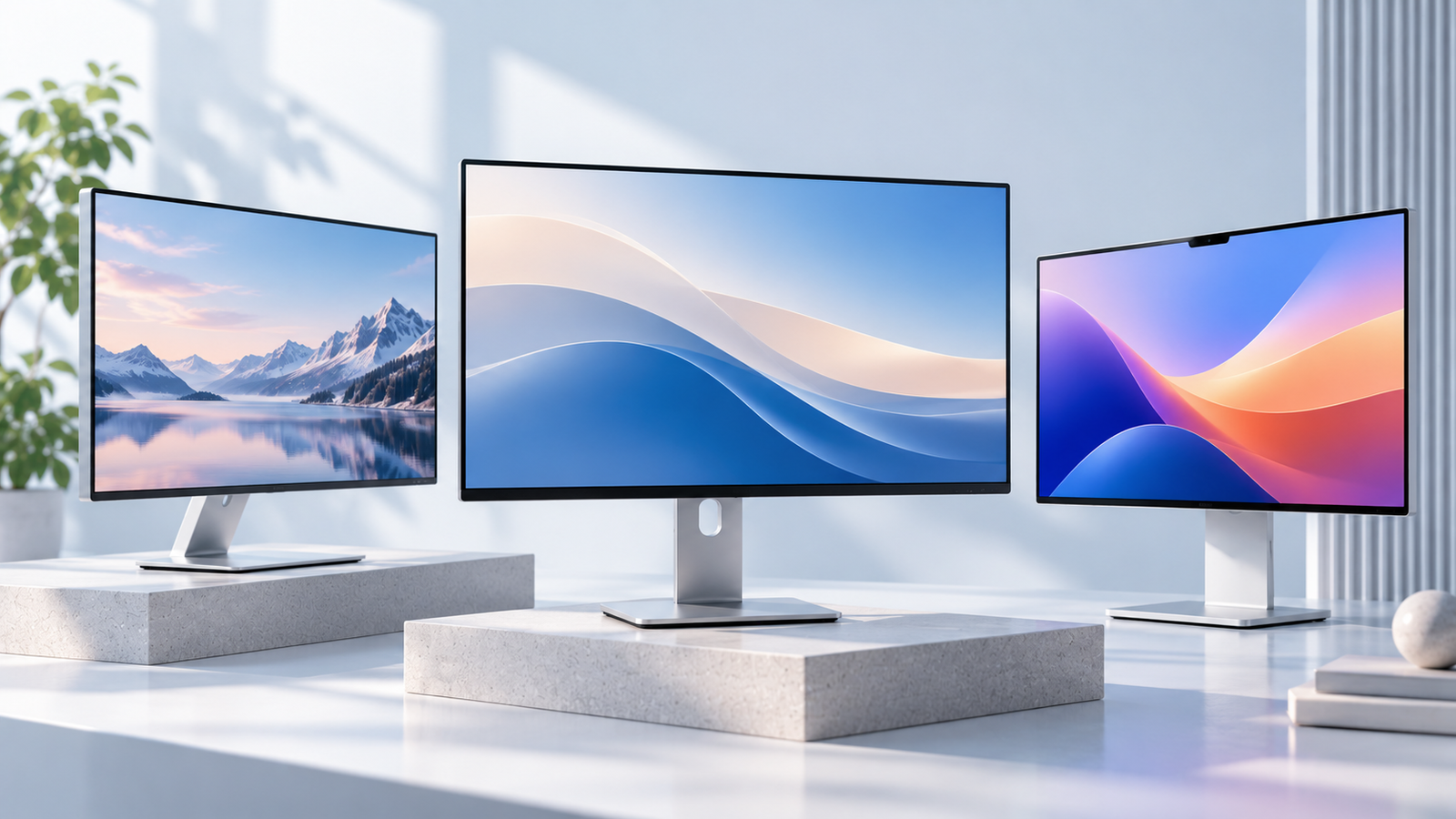
Finding the best monitor for Mac is not simply about choosing the highest resolution. Text clarity, macOS scaling, color performance, USB-C connectivity, and the support you receive after purchase can make a bigger difference to your daily workflow.
We compared six monitors from Apple, Kuycon, ASUS, BenQ, and Dell to help you identify the right fit for your desk. Whether you need a sharp 5K display for writing, a larger 6K workspace, or a versatile 4K productivity monitor, this guide explains what each model offers and what to check before buying.
Disclosure: Smart Desk may earn commissions from qualifying purchases made through affiliate links. This does not affect the price you pay and helps support our research-based content.
Quick Picks:Find the Best Monitor for Your Mac Workflow
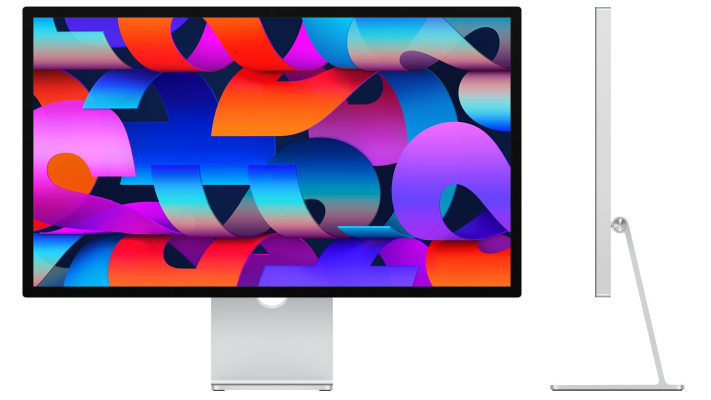
BEST FOR MAC INTEGRATION
Apple Studio Display
A 27-inch 5K display with integrated features for a streamlined Mac workspace.
- 27-inch 5K · 218 PPI
- Built-in camera, microphones, and speakers
- Mac-focused connectivity and setup
Best For: Mac users who value convenience and integrated features.
Trade-off: Premium pricing and a 60Hz refresh rate.
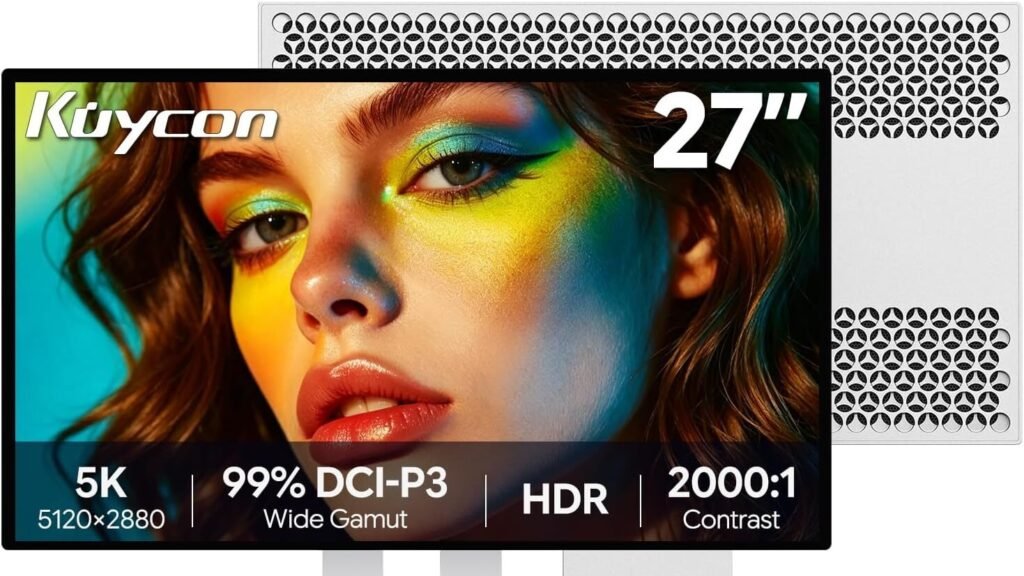
BEST FOR VALUE-CONSCIOUS 5K BUYERS
Kuycon G27P
A 27-inch 5K option for sharp text and everyday Mac productivity.
- 27-inch 5K · 218 PPI
- USB-C, HDMI, and DisplayPort
- Manufacturer-listed starting price from $999
Best For: Writers, developers, and Mac users seeking a potentially lower-cost 5K display.
Trade-off: Limited independent testing and seller-specific warranty terms.
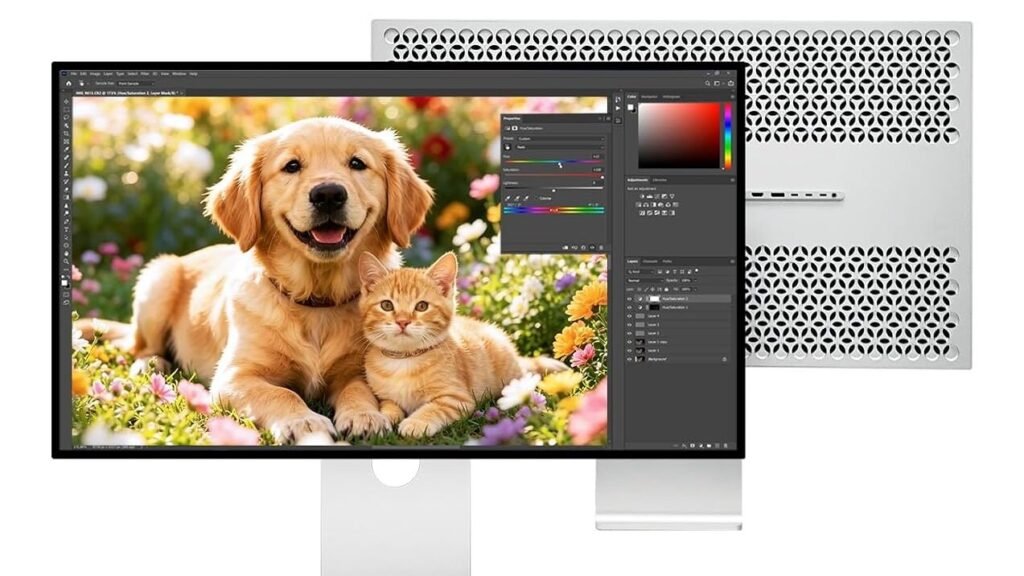
BEST FOR LARGE HIGH-RESOLUTION WORKSPACES
Kuycon G32P
A spacious 6K display for multitasking without sacrificing pixel density.
- 32-inch 6K · 223 PPI
- USB-C Power Delivery up to 100W
- Larger workspace for multiple windows
Best For: Mac users who want a larger, high-density workspace for multitasking.
Trade-off: Higher cost and limited independent panel-uniformity evidence.
BEST FOR CREATIVE WORK
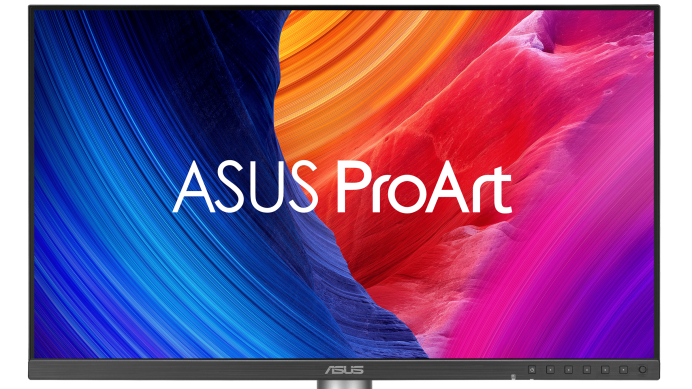
ASUS ProArt PA27JCV
A 5K monitor with creator-focused color specifications and ergonomic features.
- 27-inch 5K · 218 PPI
- Manufacturer-listed 99% DCI-P3
- USB-C charging up to 96W
Best For: Designers and photographers seeking high resolution and color-workflow features.
Trade-off: 60Hz refresh rate; color accuracy still requires independent verification.
BEST FOR LARGE HIGH-RESOLUTION BEST FOR THUNDERBOLT DESIGN WORKFLOWS
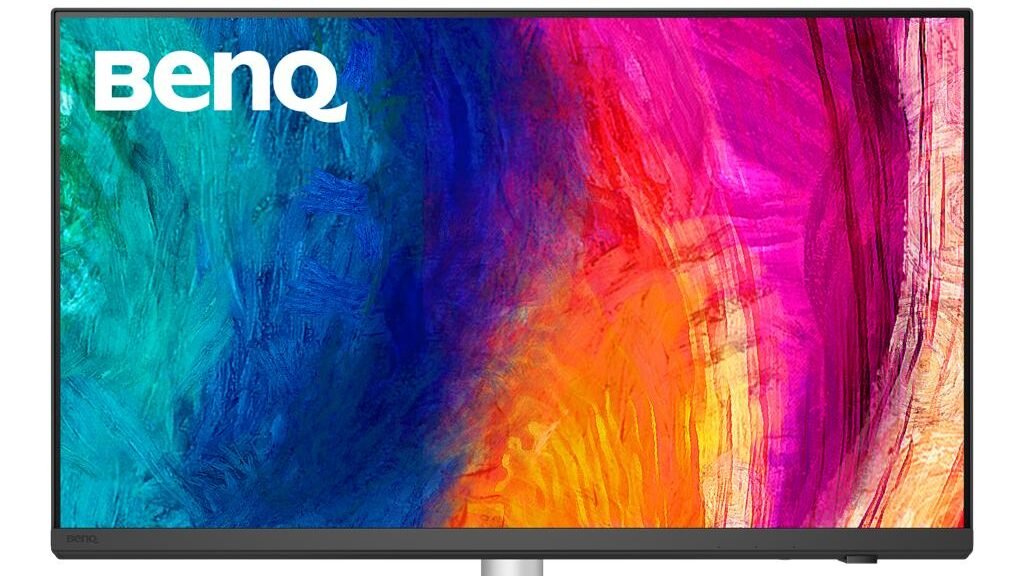
BenQ PD2730S
A 5K display designed for creative workflows and connected Mac workstations.
- 27-inch 5K · 218 PPI
- Thunderbolt connectivity
- Creator-focused color modes
Best For: Designers using Mac and Thunderbolt-connected accessories.
Trade-off: 60Hz refresh rate and a potentially higher purchase cost.
BEST FOR PRODUCTIVITY AND CONNECTIVITY
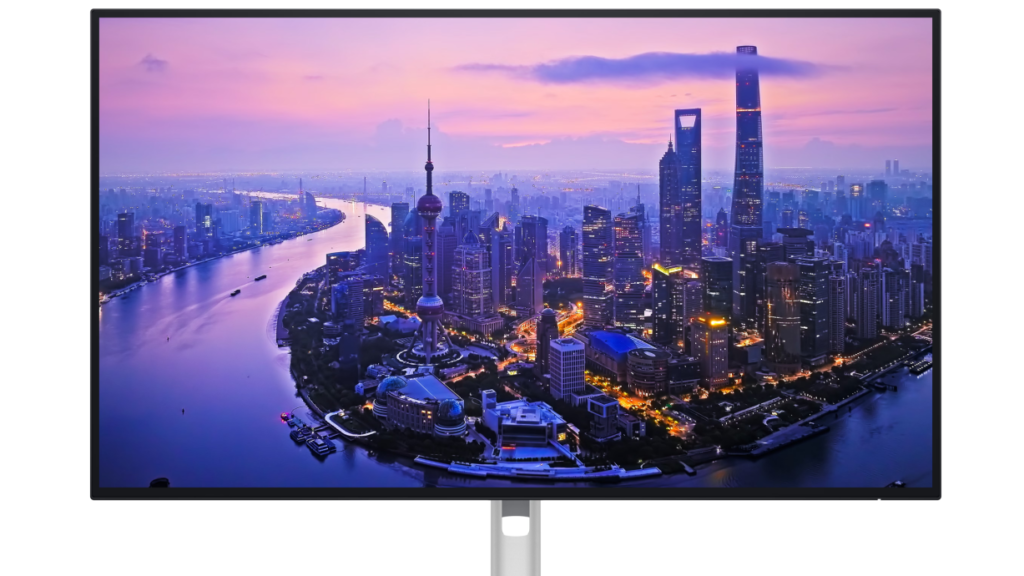
Dell UltraSharp U2725QE
A versatile 4K monitor prioritizing smoother motion and workstation connectivity.
- 27-inch 4K · 120Hz
- Thunderbolt 4 hub functionality
- Up to 140W Power Delivery
Best For: Office users who prioritize smoother motion and connectivity.
Trade-off: Lower pixel density than 27-inch 5K displays.
Side-by-Side Comparison At a Glance
| Monitor | Resolution | PPI | Best For | Main Trade-off |
|---|---|---|---|---|
| Apple Studio Display | 27″ 5K | 218 | Mac integration | Premium cost |
| Kuycon G27P | 27″ 5K | 218 | 5K value candidate | Support and panel evidence gaps |
| Kuycon G32P | 32″ 6K | 223 | Large high-PPI workspace | Price and panel consistency uncertainty |
| ASUS PA27JCV | 27″ 5K | 218 | Creative work | 60Hz refresh rate |
| BenQ PD2730S | 27″ 5K | 218 | Design workflows | Price and 60Hz limitation |
| Dell U2725QE | 27″ 4K | ~163 | Connectivity and productivity | Lower pixel density |
Individual Product Reviews
Best for Mac Integration: Apple Studio Display
Pros
- High-density 27-inch 5K display.
- Built-in camera, microphones, and speakers.
- Convenient Mac-focused connectivity.
Cons
- Premium pricing.
- 60Hz refresh rate.
- Less compelling if you already own dedicated audio and video equipment.
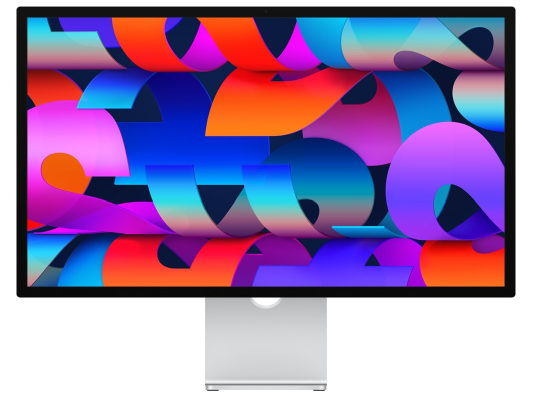
Apple Studio Display is designed for Mac users who want more than a standalone screen. Its 27-inch 5K resolution provides 218 PPI, while the built-in camera, microphones, and speakers reduce the need for separate desktop accessories.
Why It Stands Out
The main advantage is integration. If you spend your day writing, attending video calls, or working across documents, having high-density text rendering and built-in communication features in one device can simplify your desk.
Best for
√
Seamless Mac setups
√
Video calls and remote work
√
Sharp text and productivity
Trade-Offs
×
Premium pricing
×
60Hz refresh rate
×
Limited stand flexibility
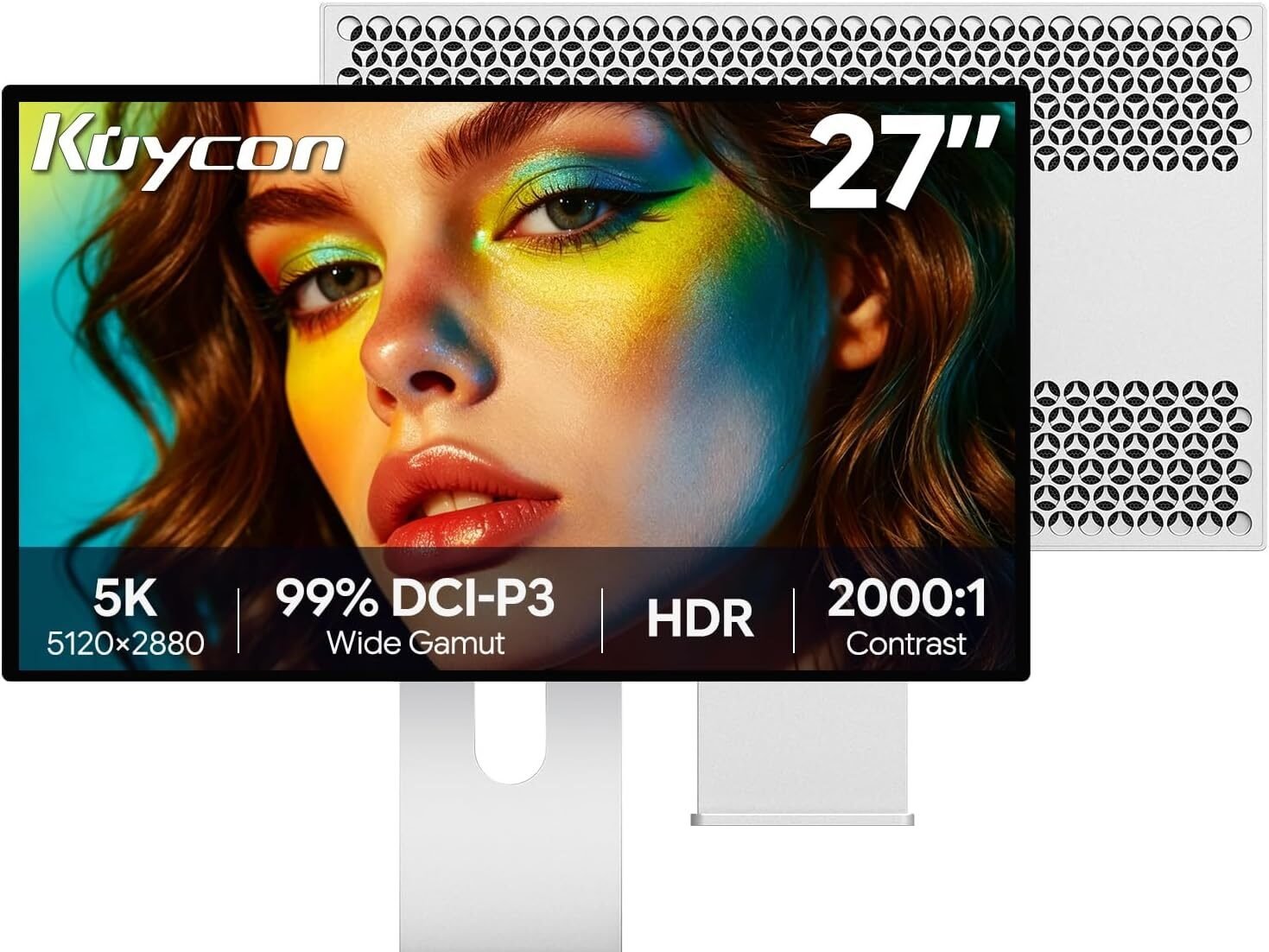
Best for Value-Conscious 5K Buyers: Kuycon G27P
Pros
- 27-inch 5K resolution at 218 PPI.
- USB-C, HDMI, and DisplayPort.
- Manufacturer-listed starting price from $999.
Cons
- Limited standardized independent testing.
- Individual community reports describe differences in perceived screen texture.
- Warranty and return terms depend on the seller.
The Kuycon G27P offers a 27-inch 5K panel with 218 PPI, placing it in the same nominal pixel-density category as other 27-inch 5K monitors in this comparison.
Why It Stands Out
The appeal is straightforward: high pixel density without necessarily paying for an integrated camera, speaker system, or other premium extras.
For writing, coding, spreadsheets, and detailed interface work, the G27P is worth comparing with established 5K alternatives.
However, the same resolution does not guarantee identical image quality. Screen coating, panel uniformity, calibration, and quality control can influence the experience.
Best for
√
Sharp 5K text
√
Writing and coding
√
Value-conscious Mac users
Trade-Offs
×
Limited independent testing
×
Reported screen-texture concerns
×
Seller-dependent warranty terms
What Community Feedback Suggests
A Reddit discussion describes subtle grain noticed by one G27P user. This is a useful issue to check, but an individual report cannot establish a widespread panel problem.
Before Buying: Confirm the exact configuration, included stand, seller, warranty provider, and return policy.
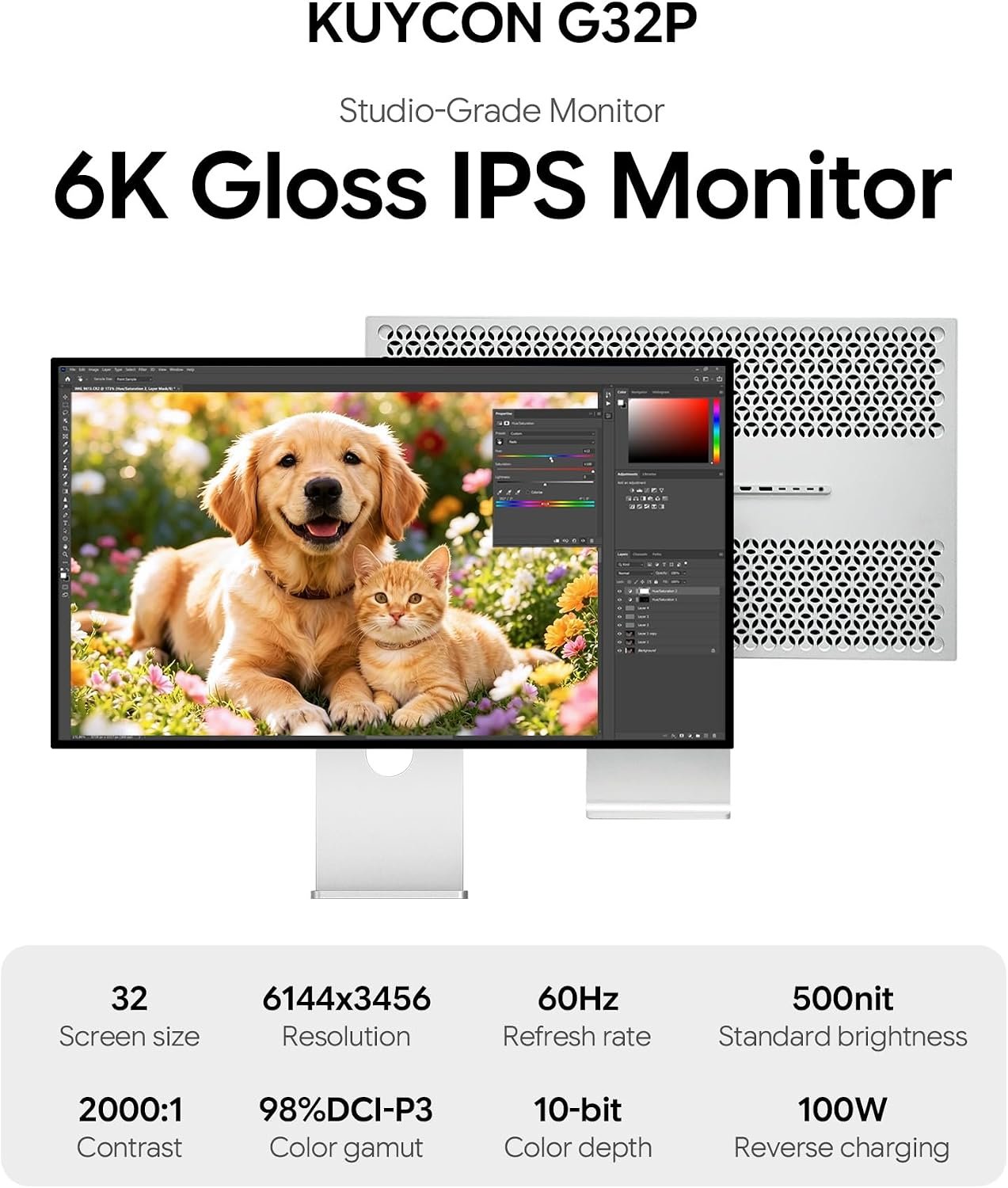
Best for Large High-Resolution Workspaces: Kuycon G32P
Pros
- 32-inch 6K resolution.
- Manufacturer-listed 223 PPI.
- USB-C charging up to 100W.
Cons
- Higher purchase cost than several 27-inch alternatives.
- Limited independent panel-uniformity testing.
- 60Hz refresh rate.
The Kuycon G32P combines a 32-inch screen with 6144 × 3456 resolution and a manufacturer-listed pixel density of 223 PPI.
Why It Stands Out
The G32P offers a different experience from a typical 27-inch 5K display. Its larger physical workspace may be useful for users who keep multiple windows open, work with detailed images, or prefer more room for documents and development tools.
Its high nominal pixel density helps distinguish it from conventional 32-inch 4K monitors. Still, resolution alone does not determine perceived sharpness or comfort.
Best for
√
Large 6K workspace
√
Multitasking and coding
√
High-density visuals
Trade-Offs
×
Higher purchase cost
×
Limited uniformity testing
×
60Hz refresh rate
What Community Feedback Suggests
Individual G32P owners have reported different experiences with panel appearance, including color-uniformity concerns. Other user impressions have been more positive. These reports highlight the importance of checking the actual unit rather than treating a small community sample as a reliability study.
Before Buying: Verify your Mac’s 6K output capability, intended cable connection, return eligibility, and panel uniformity during the return window.
Best for Creative Work: ASUS ProArt PA27JCV
Pros
- 27-inch 5K resolution at 218 PPI.
- Manufacturer-listed wide color-gamut coverage.
- USB-C charging up to 96W.
Cons
- 60Hz refresh rate.
- Gamut coverage alone does not establish measured color accuracy.
- Color-critical workflows may still require calibration.
The ASUS ProArt PA27JCV combines a 27-inch 5K display with creator-focused color specifications and ergonomic features.
Why It Stands Out
ASUS lists 99% DCI-P3 and 95% Adobe RGB coverage, making the PA27JCV relevant to photographers, graphic designers, and other users working with color-sensitive content.
Its USB-C connectivity and ergonomic adjustments also make it practical for a dedicated Mac workstation.
Best for
√
Graphic design
√
Photography
√
Color-focused workflows
Trade-Offs
×
60Hz refresh rate
×
Calibration may be needed
×
No integrated webcam
Before Buying: Confirm the regional warranty, stand configuration, and whether its anti-glare screen finish matches your preferences.
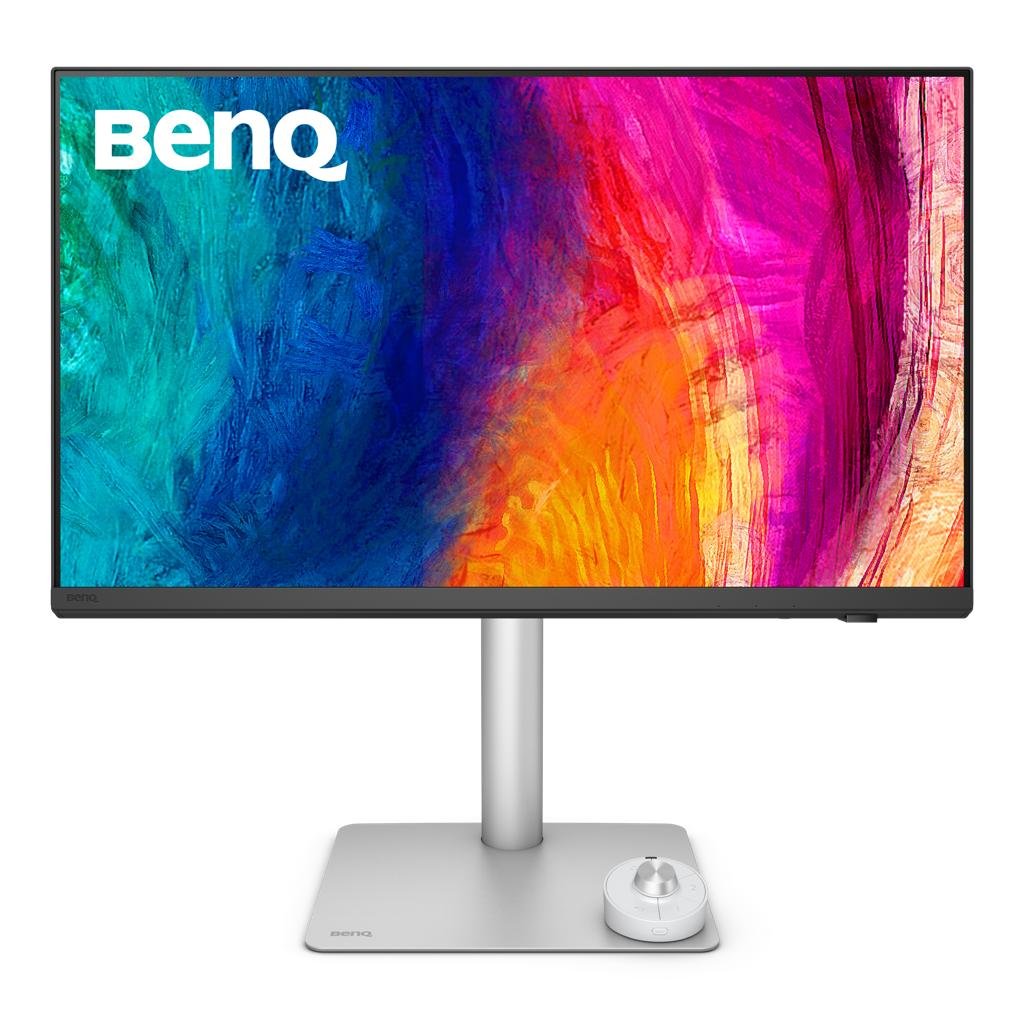
Best for Thunderbolt Design Workflows: BenQ PD2730S
Pros
- 27-inch 5K resolution at 218 PPI.
- Thunderbolt connectivity.
- Creator-oriented color modes and calibration documentation.
Cons
- 60Hz refresh rate.
- Current pricing requires verification.
- Independent testing remains important for critical color work.
The BenQ PD2730S is a 27-inch 5K monitor aimed at creative professionals who value resolution, color-workflow features, and Thunderbolt connectivity.
Why It Stands Out
For a design-focused Mac workstation, connectivity can be as important as image quality. Thunderbolt and laptop charging may help reduce cable clutter, while BenQ’s creative-oriented display modes provide options for different visual workflows.
BenQ also publishes factory-calibration-related information. However, manufacturer calibration claims do not replace independent measurement for color-critical work.
Best for
√
Professional design
√
Thunderbolt workflows
√
Color-focused creative work
Trade-Offs
×
60Hz refresh rate
×
Higher potential cost
×
Limited independent color testing
Before Buying: Check Thunderbolt compatibility, charging requirements, and current regional availability.
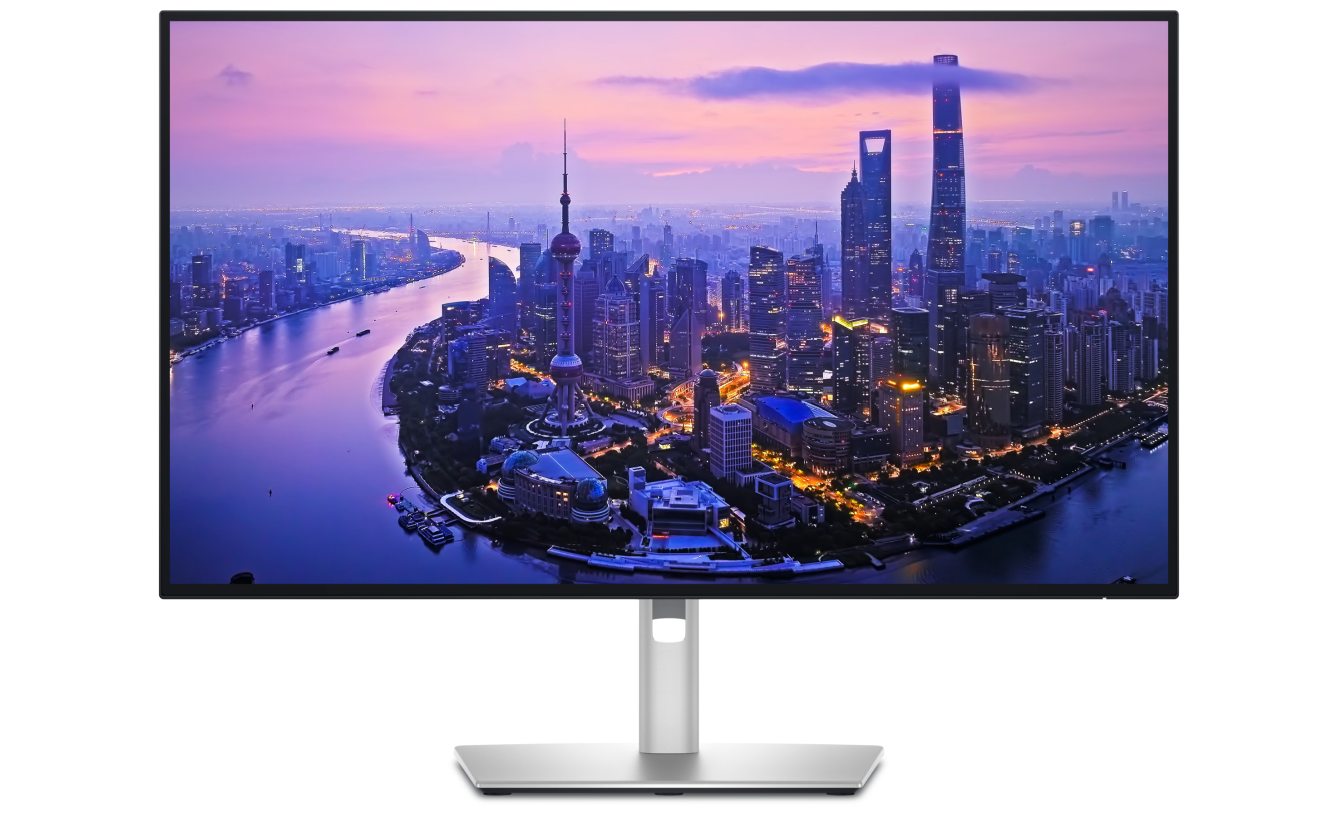
Best for Productivity and Connectivity: Dell UltraSharp U2725QE
Pros
- Up to 120Hz refresh rate.
- Thunderbolt 4 hub functionality.
- Up to 140W Power Delivery, subject to supported configurations.
Cons
- Lower pixel density than 27-inch 5K displays.
- No integrated camera or speakers listed.
- Some hub features may be unnecessary for simpler setups.
The Dell UltraSharp U2725QE takes a different approach from the 5K and 6K monitors in this guide. It focuses on a 27-inch 4K panel, up to 120Hz refresh rate, and productivity-oriented connectivity.
Why It Stands Out
Not every Mac user needs 5K resolution. If your daily work involves spreadsheets, browser windows, video meetings, and connected peripherals, a capable 4K monitor may provide the features you use most often.
The U2725QE’s higher refresh rate can also make scrolling and pointer movement appear smoother than on a 60Hz display.
Best for
√
Office productivity
√
Thunderbolt docking
√
Smooth 120Hz workflows
Trade-Offs
×
Lower pixel density
×
No integrated webcam
×
No built-in speakers
Before Buying: Confirm your Mac supports the intended resolution, refresh rate, and charging configuration.
Buyer’s Shortcut: Which Monitor Fits Your Workflow?
You do not need to compare every specification to make a sensible choice. Start with the task you spend the most time doing.
For Writing, Coding, and Everyday Productivity
Prioritize text clarity, comfortable scaling, and reliable connectivity.
A 27-inch 5K monitor such as the Kuycon G27P, ASUS PA27JCV, or Apple Studio Display is worth comparing if high pixel density matters to you.
For a Larger Workspace
Consider the Kuycon G32P if you want a 32-inch screen while maintaining high nominal pixel density.
Before buying, confirm that your Mac supports the required 6K output and that the screen size fits your desk and viewing distance.
For Photography and Design
Compare the ASUS ProArt PA27JCV and BenQ PD2730S.
Look beyond advertised color gamut. Consider independent color-accuracy measurements, calibration requirements, screen finish, and connectivity.
For a Streamlined Mac Setup
Apple Studio Display may be the most convenient fit if integrated camera, audio, and a simple workstation experience are important.
For Connectivity and Smoother Motion
Dell UltraSharp U2725QE is worth considering if a Thunderbolt hub and 120Hz refresh rate are more valuable to you than matching 5K pixel density.
How We Selected These Monitors
We selected these six models to represent different Mac workflows rather than to produce a single overall winner.
Our comparison considered:
- Text clarity: Resolution, screen size, pixel density, and macOS scaling.
- Color specifications: Manufacturer-listed gamut, brightness, contrast, and calibration features.
- Connectivity: USB-C, Thunderbolt, video inputs, and peripheral connections.
- Laptop charging: Power Delivery and compatibility with the intended MacBook.
- Everyday usability: Ergonomics, screen finish, refresh rate, and integrated features.
- Purchase confidence: Pricing, return conditions, warranty coverage, and available user feedback.
We did not conduct hands-on testing or independently measure display performance.
Manufacturer specifications are useful for narrowing choices, but they do not establish identical real-world image quality across products. Individual community reports can identify issues worth investigating, but they cannot establish defect rates or long-term reliability.
For a broader explanation of pixel density, scaling, connectivity, and monitor selection, see our How to Choose a Monitor for Mac: A Practical Buying Guide.
Best Picks FAQ
Yes. A 4K monitor can work well for everyday productivity. Whether its text appears sufficiently sharp depends on screen size, viewing distance, scaling preferences, and panel characteristics.
A 27-inch 5K display provides approximately 218 PPI, which can be attractive for sharp text and detailed work. Whether the extra cost is worthwhile depends on how much you value that pixel density.
Not automatically. A 32-inch 6K monitor can offer more physical workspace while maintaining high pixel density, but it may cost more and require careful compatibility and scaling checks.
Compatibility depends on the exact Mac model, its external-display limits, and the connection used. Check Apple’s specifications for your Mac and the monitor manufacturer’s documentation before buying.
Kuycon offers monitors with competitive published resolution and pixel-density specifications. However, the available evidence does not establish equivalent panel consistency, long-term reliability, or support quality. Compare the exact model, seller, warranty, and return conditions.
ASUS ProArt PA27JCV and BenQ PD2730S are relevant candidates because of their 5K resolution and creator-oriented features. For color-critical work, independent accuracy measurements and calibration requirements should guide the final decision.
Final Verdict: Choose the Monitor That Fits Your Mac Workflow
There is no single best monitor for every Mac user. The right choice depends on how you work, which features matter most, and what trade-offs you are willing to accept.
If you value Mac integration and built-in features, consider Apple Studio Display. If sharp 5K text is your priority and you are comparing purchase costs, Kuycon G27P deserves a closer look. For a larger high-resolution workspace, Kuycon G32P offers a different 6K option.
Creative professionals should compare ASUS ProArt PA27JCV and BenQ PD2730S based on color-workflow and connectivity requirements. Meanwhile, Dell UltraSharp U2725QE may be a better fit for users who prioritize 120Hz refresh rates and productivity-focused connectivity over 5K pixel density.
The best choice is the monitor that solves your daily workflow needs—not necessarily the one with the highest resolution or the most premium features.
Ready to Choose Your Mac Monitor?
Before comparing prices, make sure you understand how resolution, pixel density, macOS scaling, and USB-C connectivity affect your setup.
Special Offer: Save 10% on Select Kuycon Monitors. Check the final discount at checkout.
US offer only. Discount availability and terms may change.
Disclosure: Smart Desk may earn commissions from qualifying purchases made through affiliate links. This does not affect the price you pay and helps support our research-based content.
Sources & Last Updated
Primary sources:
- Apple Studio Display specifications
- Kuycon G27P product page
- Kuycon G32P product page
- ASUS ProArt PA27JCV specifications
- BenQ PD2730S
- Dell UltraSharp U2725QE
Community Feedback:
- Kuycon G27P screen-texture discussion
- Kuycon G32P user impressions
- Kuycon G32P color-uniformity discussion
Community discussions represent individual experiences rather than representative product testing.
Last Updated: October 18, 2026
Research status: Research-based guide. Smart Desk has not independently hands-on tested these products.